Windows 11’s Get updates early toggle is auto-installing updates you don’t need, here’s how to turn it off
If you've enabled the "Get the latest updates as soon as they're available" toggle on the Windows Update page, you may want to turn it off. The post Windows 11’s Get updates early toggle is auto-installing updates you don’t need, here’s how to turn it off appeared first on Windows Latest
 admin
admin
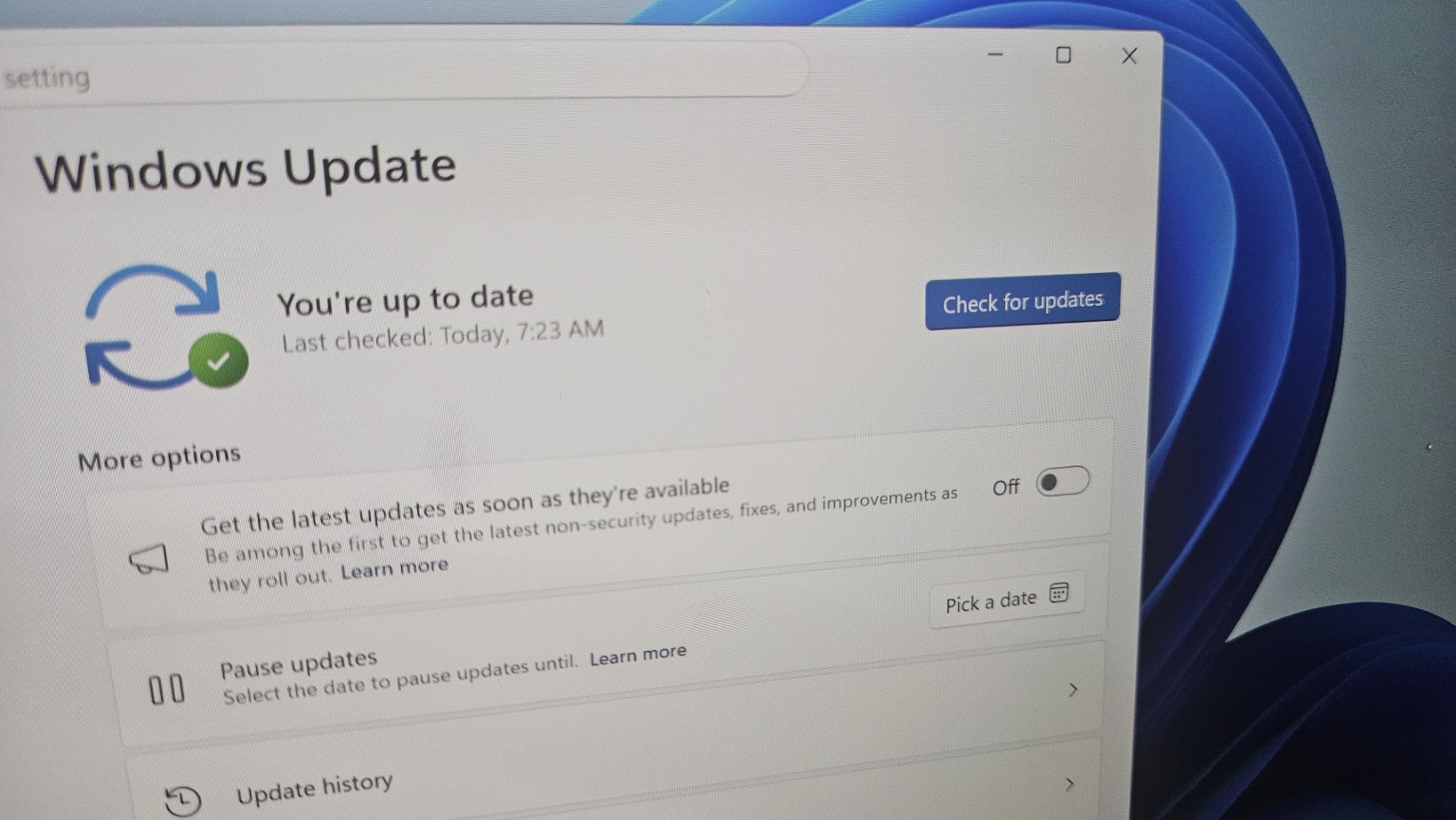
If you’ve enabled the “Get the latest updates as soon as they’re available” toggle on the Windows Update page, you may want to turn it off. Otherwise, Windows could install updates you don’t actually need, including out-of-band patches intended for specific PCs, such as the recent emergency update for Dell devices.
After the July 2026 Update, some Dell PCs started experiencing severe performance and overheating issues. Microsoft said it was aware of the problem and immediately halted the update for affected PCs. Fast-forward to July 18, when Microsoft rolled out an emergency update (KB5121767) for Dell PCs to address the overheating issues.
Microsoft clarified that the out-of-band emergency update is not required on all devices, so you don’t need to install it simply because it appears in Windows Update.
“A limited number of Dell devices that were temporarily prevented from receiving the July 2026 security update KB5101650 can now install this OOB update [KB5121767]. This OOB update is only recommended for devices affected by this issue,” Microsoft noted in a document. “If your device is not affected, no action is required.”
That sounds straightforward until you realize that some of you may have already approved these updates by enabling the “Get the latest updates as soon as they’re available” toggle in Windows 11. For example, I’ve enabled the toggle, and when I opened Windows Update, I noticed that the update was pending a reboot. And no, I don’t own a Dell PC.
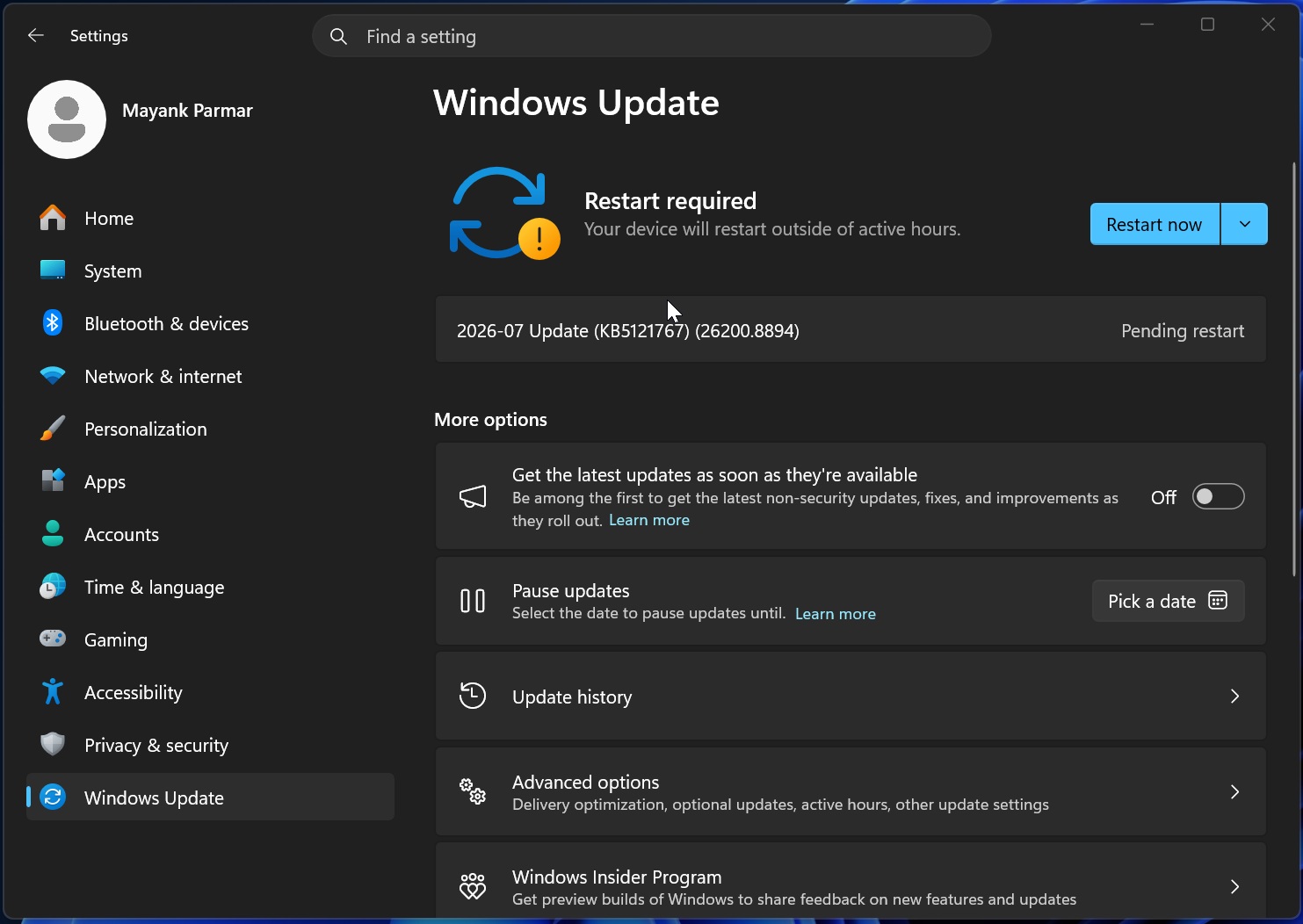
Microsoft is clearly saying that you don’t need to install Windows 11 KB5121767 if you don’t own one of the affected Dell PCs. While the update isn’t harmful, it’s simply not required on all PCs, and it’s a reminder to carefully manage your Windows Update settings if you don’t want surprises.
I’m bringing this up because many users asked me why an update meant to fix issues on Dell PCs was being automatically installed on their devices.
I also noticed that, for the first time, Microsoft explicitly reminded users that out-of-band updates would install automatically when the “Get the latest updates as soon as they’re available” toggle is turned on. The company shared the statement when asked about out-of-band update for Dell PCs.
“If you have turned on Get the latest updates as soon as they’re available in Windows Update settings (Settings > Windows Update), you will automatically receive this OOB update,” Microsoft noted in an updated document spotted by Windows Latest.
It’s quite rare for Microsoft to warn about the consequences of using this toggle, and the company says you can still receive all required updates without turning it on.
What exactly is “Get the latest updates as soon as they’re available”?
The “Get the latest updates as soon as they’re available” toggle is not new, and it’s also present on Windows 10 PCs. It was added to all supported versions of Windows as a solution to a problem Microsoft created: the slow rollout of new features.
Right now, when a major Windows update is released with significant changes, such as the new Start menu, it’s often gated behind a gradual rollout. For example, the new Start menu with the Categories view was released almost a year ago, but it wasn’t until the first week of July 2026 that it began shipping to everyone out of the box.
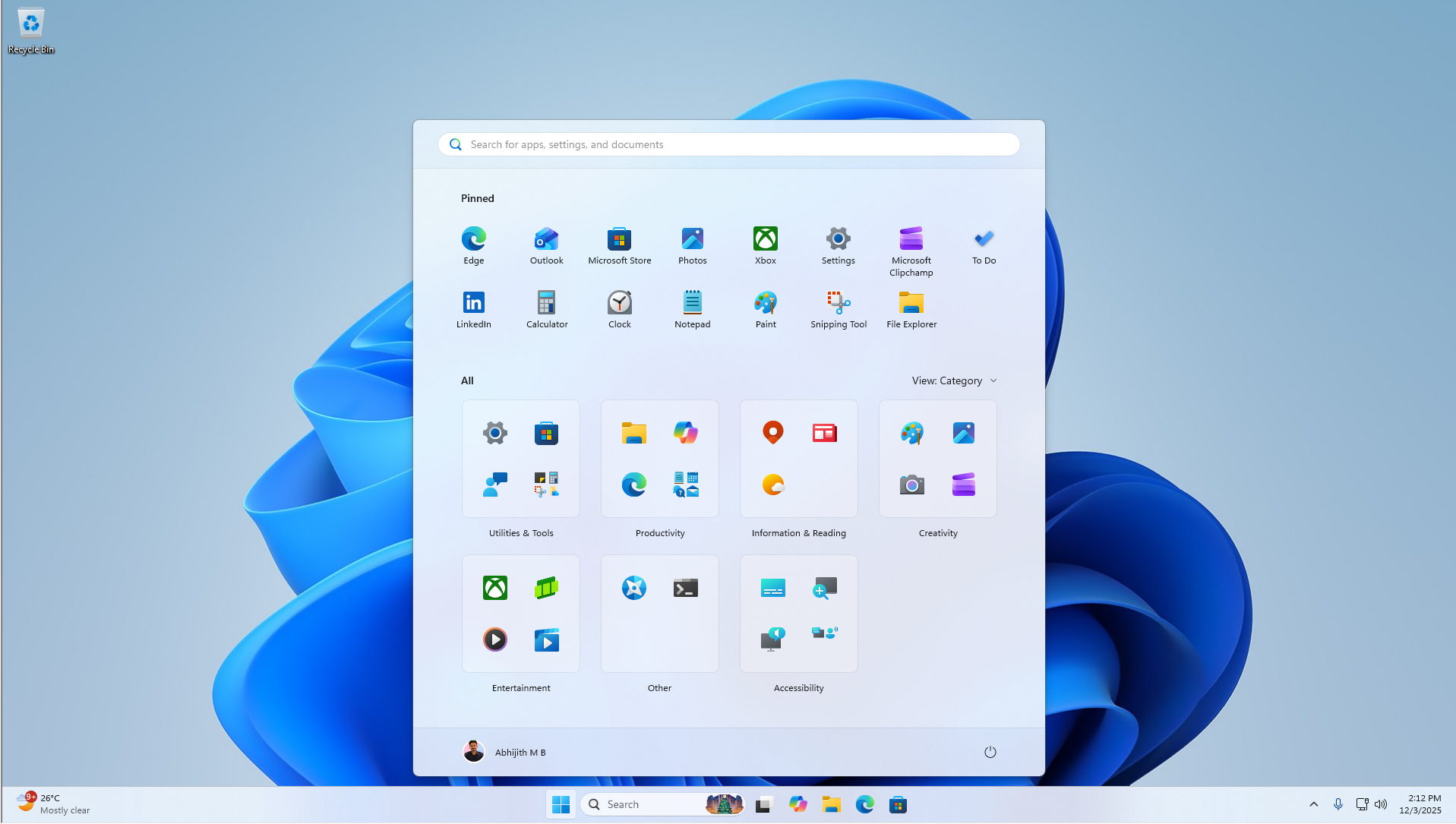
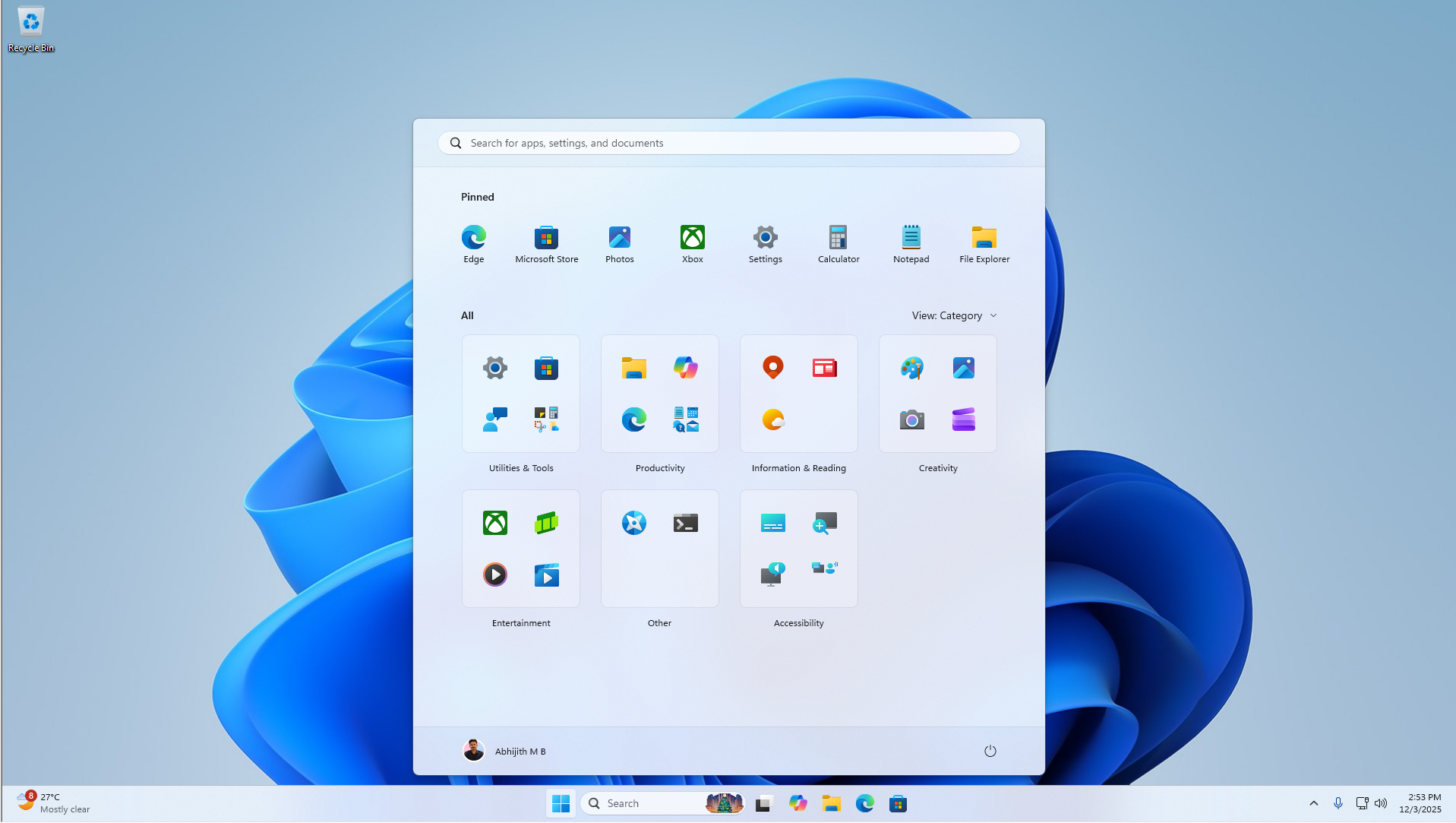
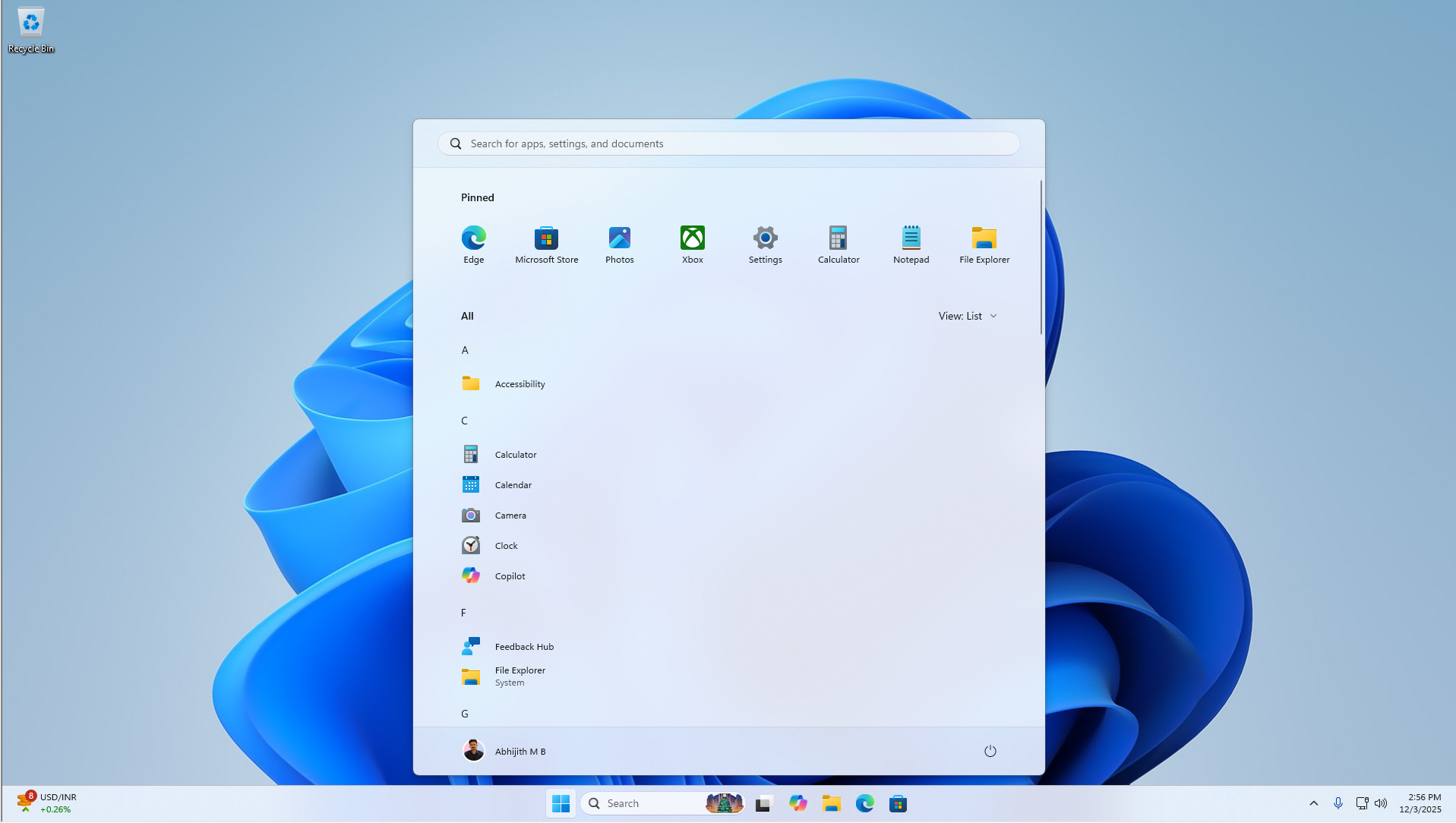
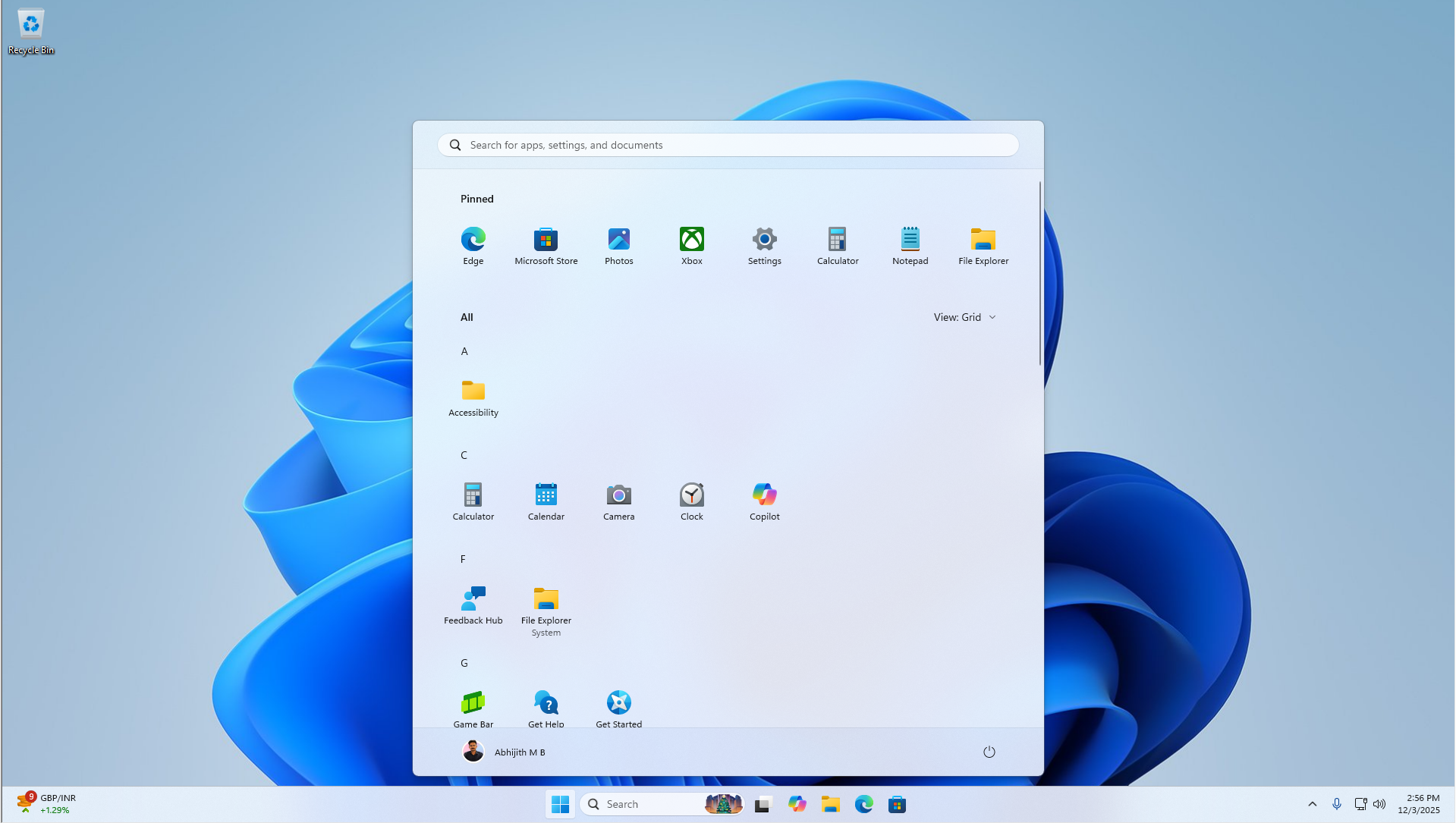
The official terminology is “CFR,” which stands for Controlled Feature Rollout. Microsoft believes CFR is necessary to reduce issues caused by Windows Update. For example, if Microsoft rolled out the Start menu redesign to all PCs at the same time and it ended up causing problems, the company would need to pull it back or patch it on all PCs immediately.
CFR, or staged rollout, allows Microsoft to test new features on a small group of users before gradually rolling them out to everyone, and it has helped reduce major issues. It’s a good idea, but it’s starting to get on people’s nerves because even bug fixes are gated behind the so-called gradual rollout.
Microsoft eventually added the “Get the latest updates…” toggle to give you greater control over gradual rollouts. When you turn on the toggle, you’re telling Windows that you’d like to receive major changes, including bug fixes, earlier. It prioritizes your PC in Microsoft’s gradual rollout process, but that doesn’t necessarily mean you’ll always get new features immediately.
At the same time, the toggle has another purpose: installing all available updates, including those that aren’t specifically required for your PC. Most users aren’t aware of this.
“After you set the toggle to On, your device will be among the first to get the latest non-security updates, fixes, improvements, and enhancements at the time they’re available for your device,” Microsoft noted in another document. “You only need to set this option once, and it stays on.”
And that pretty much explains everything. The toggle is not harmful, and it helps you get newer features faster, which is why it’s one of those settings we enable and never look at again until we realize unwanted updates are being installed.
Who should turn off “Get the latest updates as soon as they’re available”?
If you don’t want Windows to automatically install optional updates, such as out-of-band emergency updates and cumulative preview updates, which are not Insider Preview builds, you should turn off the feature.
The Dell incident is a good example of why that may be necessary. Microsoft confirmed that it paused the July 2026 Update for affected Dell PCs before it reached more devices, but what you might not realize is that the issue had already shipped with the June 2026 optional preview update, which can be installed automatically when the toggle is turned on.
That’s why Dell users had already started flagging the problem, and it’s also how Microsoft found it. The company acted on the reports and paused the July 2026 Update, which contained the same bug.
If affected Dell users had turned off Get the latest updates as soon as they’re available, they may not have unknowingly run into the overheating, performance, battery, and thermal issues caused by the optional update.
Today it’s Dell, and tomorrow it could be your PC. If you know what you’re doing and don’t mind receiving optional updates early, you don’t need to take any action. Otherwise, it may be better to turn off the feature.
How to turn off “Get the latest updates as soon as they’re available”
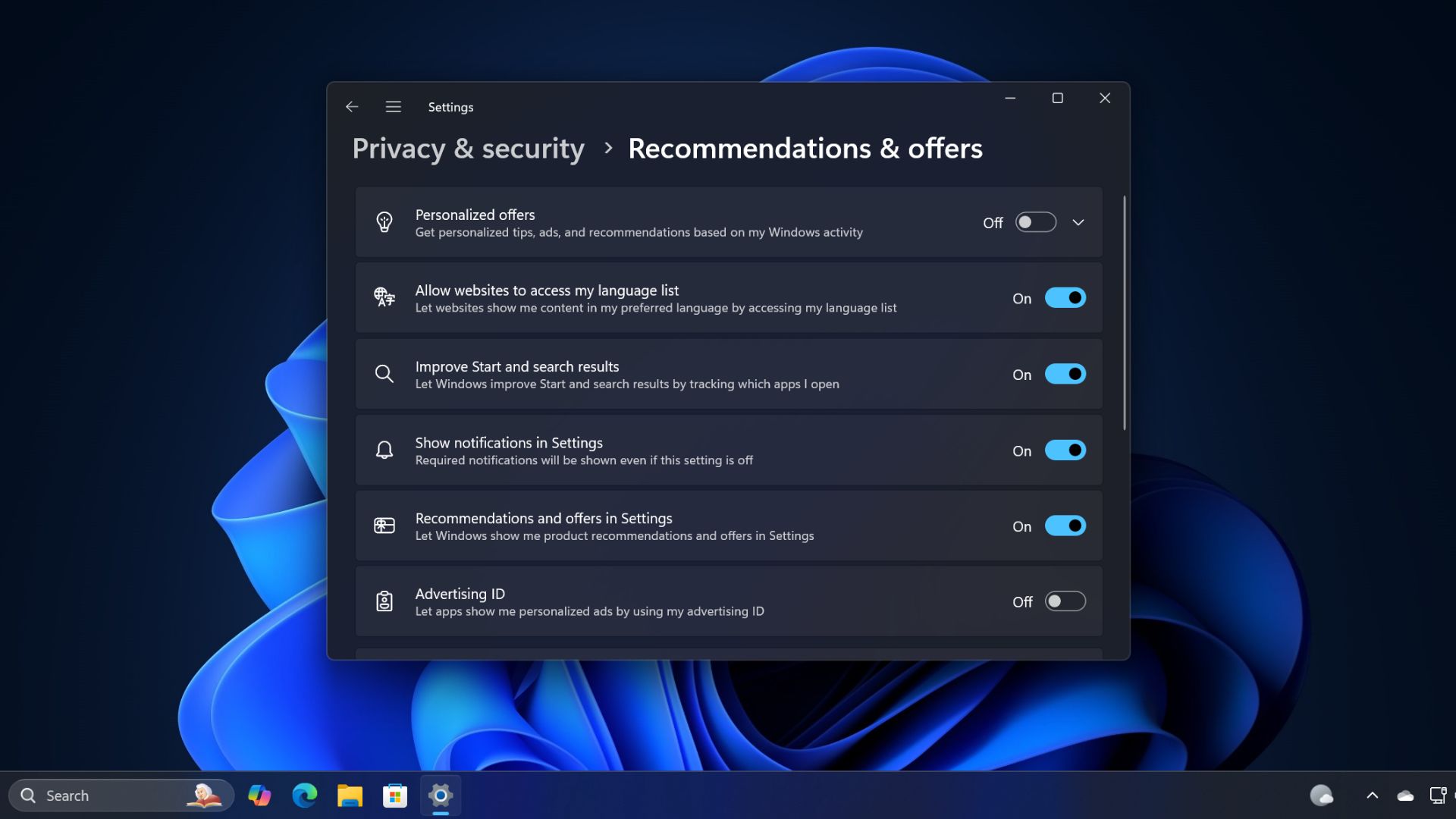
To turn it off, open Settings, go to Windows Update, and turn off the Get the latest updates as soon as they’re available toggle.
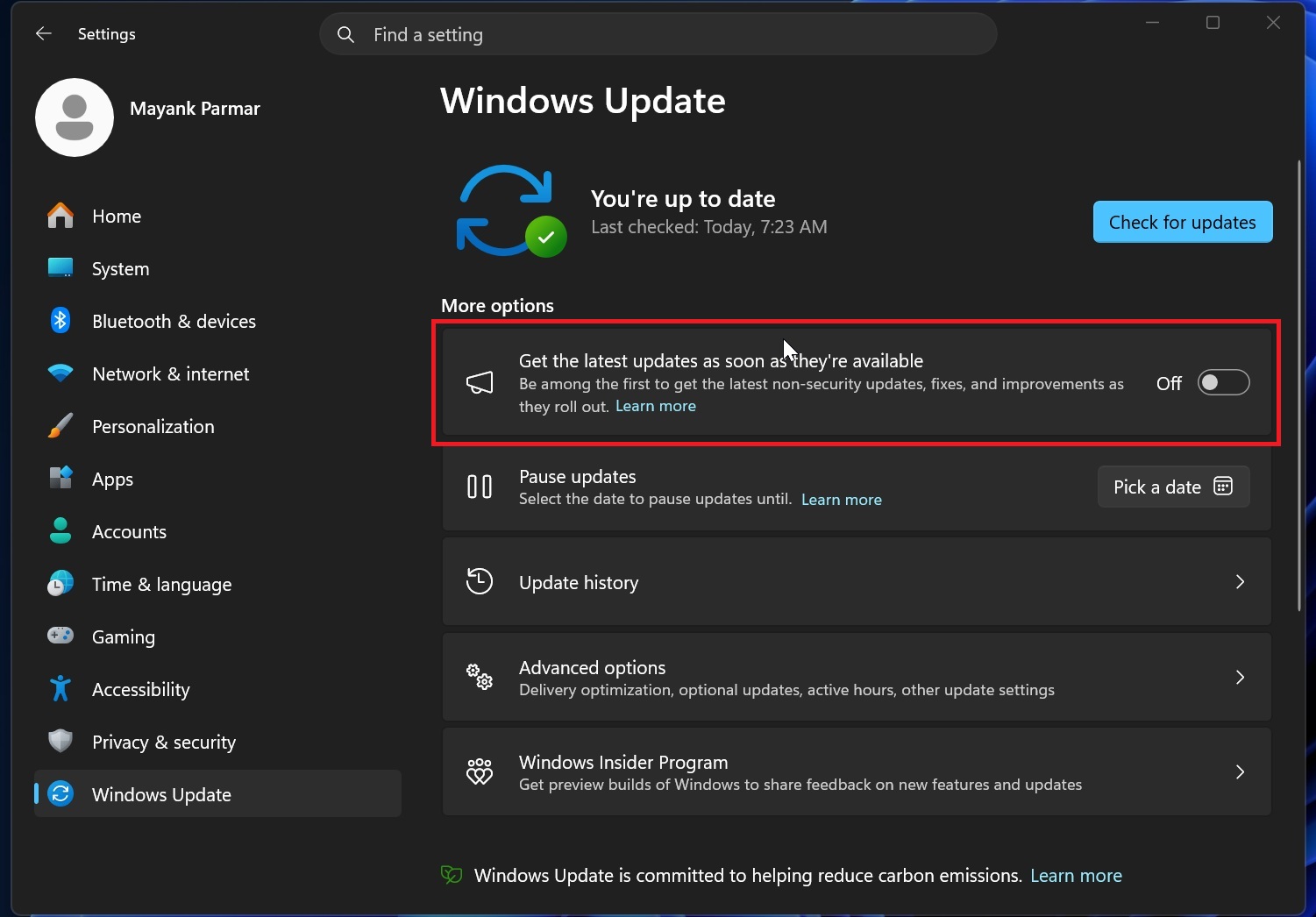
You will continue to receive required security updates, but Windows will no longer prioritize your PC for optional updates, features, fixes, and out-of-band releases such as the patch for Dell PCs.
The post Windows 11’s Get updates early toggle is auto-installing updates you don’t need, here’s how to turn it off appeared first on Windows Latest