Microsoft is cracking down on Windows 11 bloatware ads, forces LG to pull McAfee popup
LG has agreed to disable the McAfee popup in its Monitor App Installer, Microsoft's Pavan Davuluri confirmed on X. LG also sent a statement blaming Windows distribution and user consent, but the app's own changelog and reader reports tell a different story about how McAfee got there. The post Microsoft is cracking down on Windows 11 bloatware ads, forces LG to pull McAfee popup appeared first on Windows Latest
 admin
admin
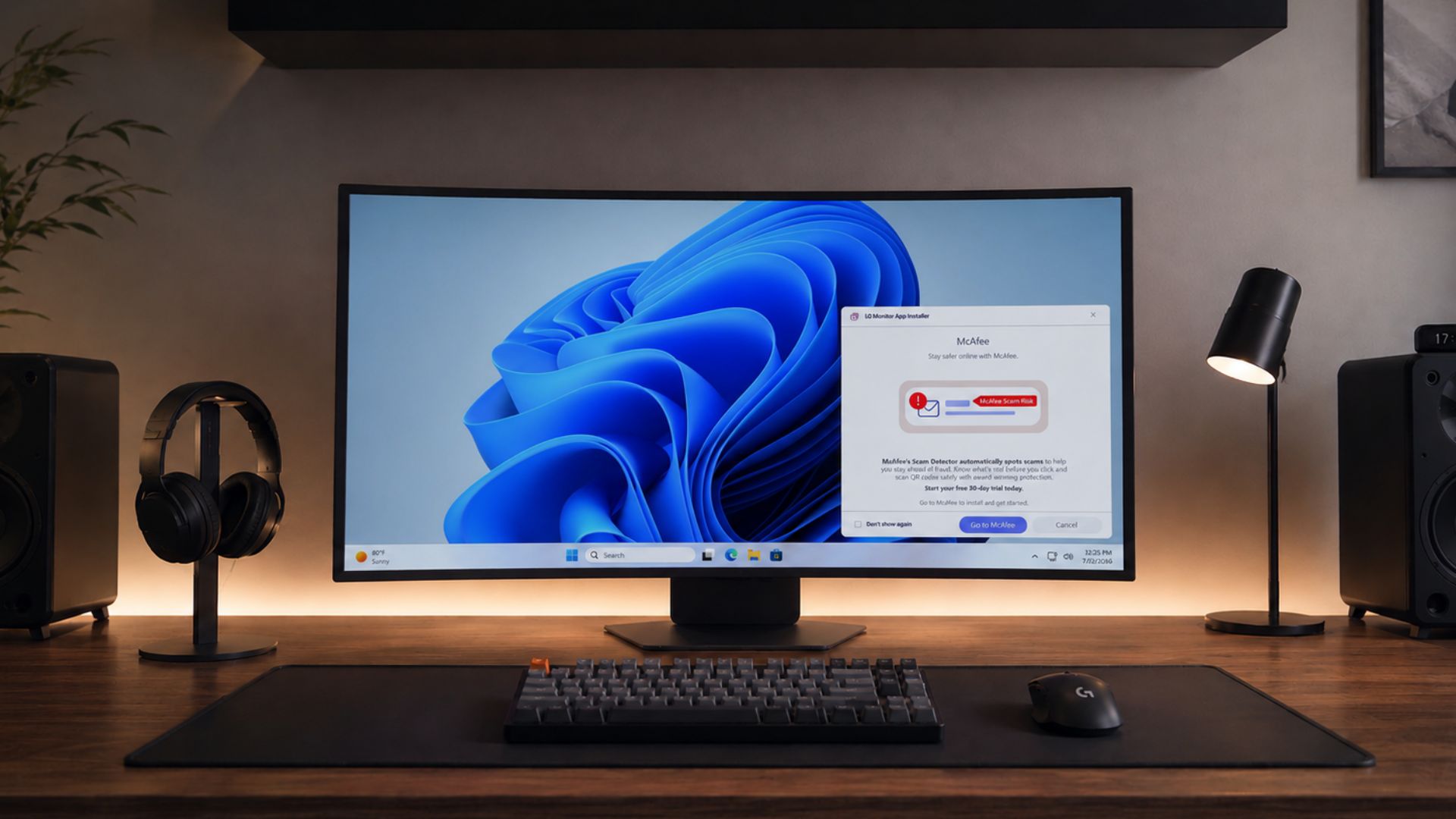
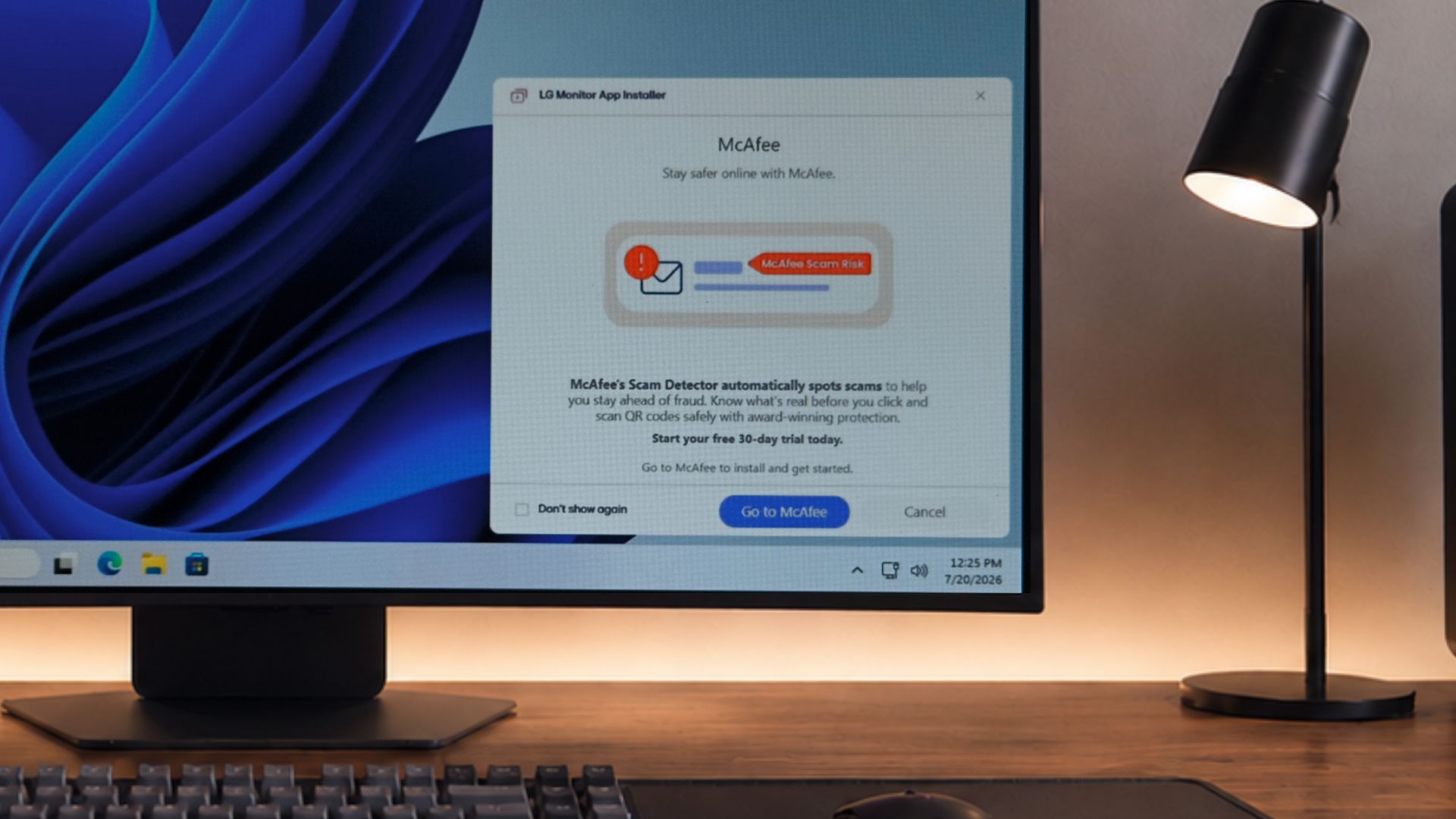
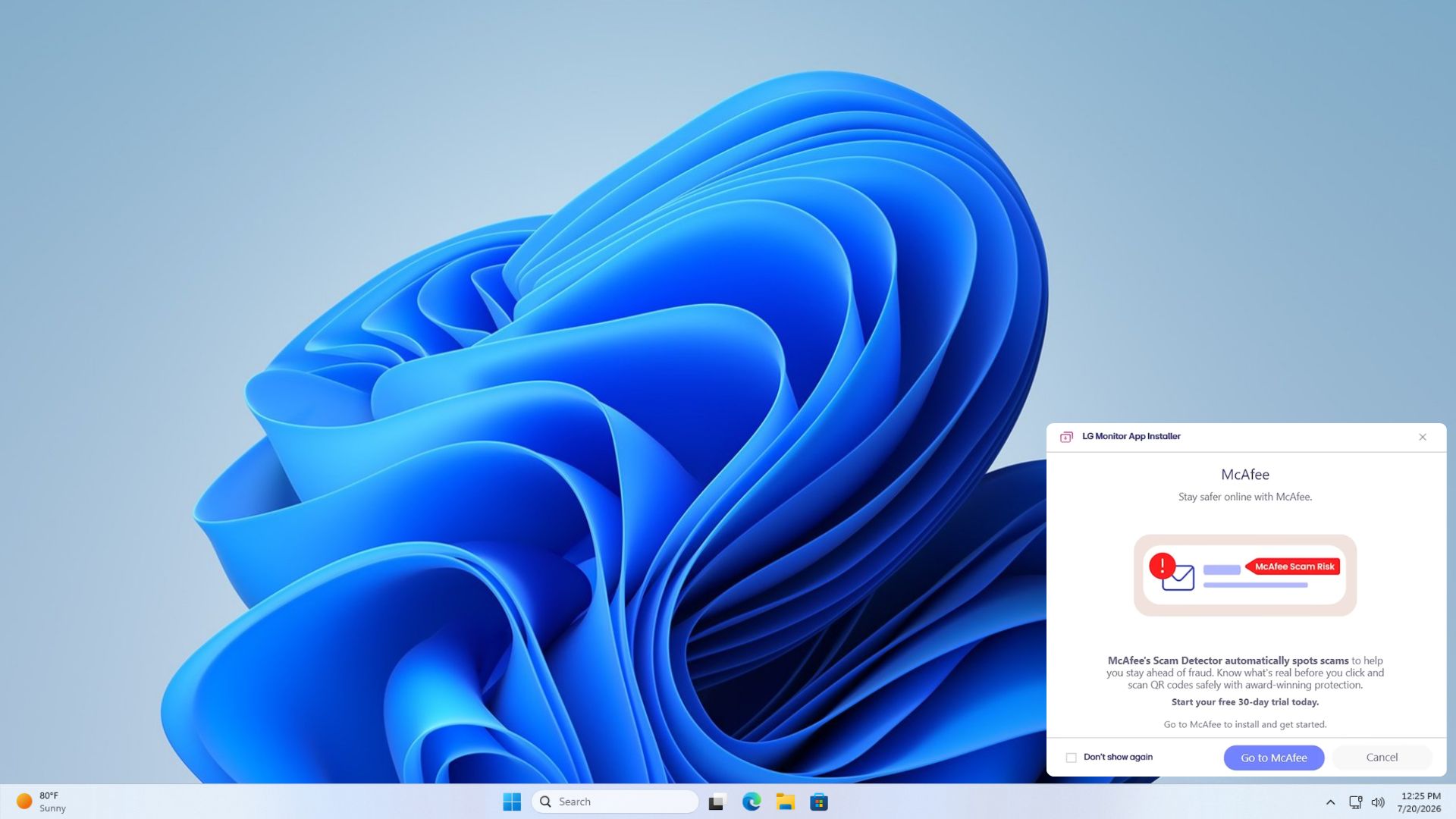
Sometimes a complaint gets heard by the right people. Following Microsoft’s intervention, LG has agreed to disable the McAfee ad pop-up in its Monitor App Installer as an immediate step, just days after public backlash about a driver update that silently installed LG’s app and pushed McAfee trial ads on connected PCs.
LG also responded to the outrage and defended itself, adding that McAfee is never installed without a user’s explicit consent and pointed to Microsoft’s Windows distribution process.
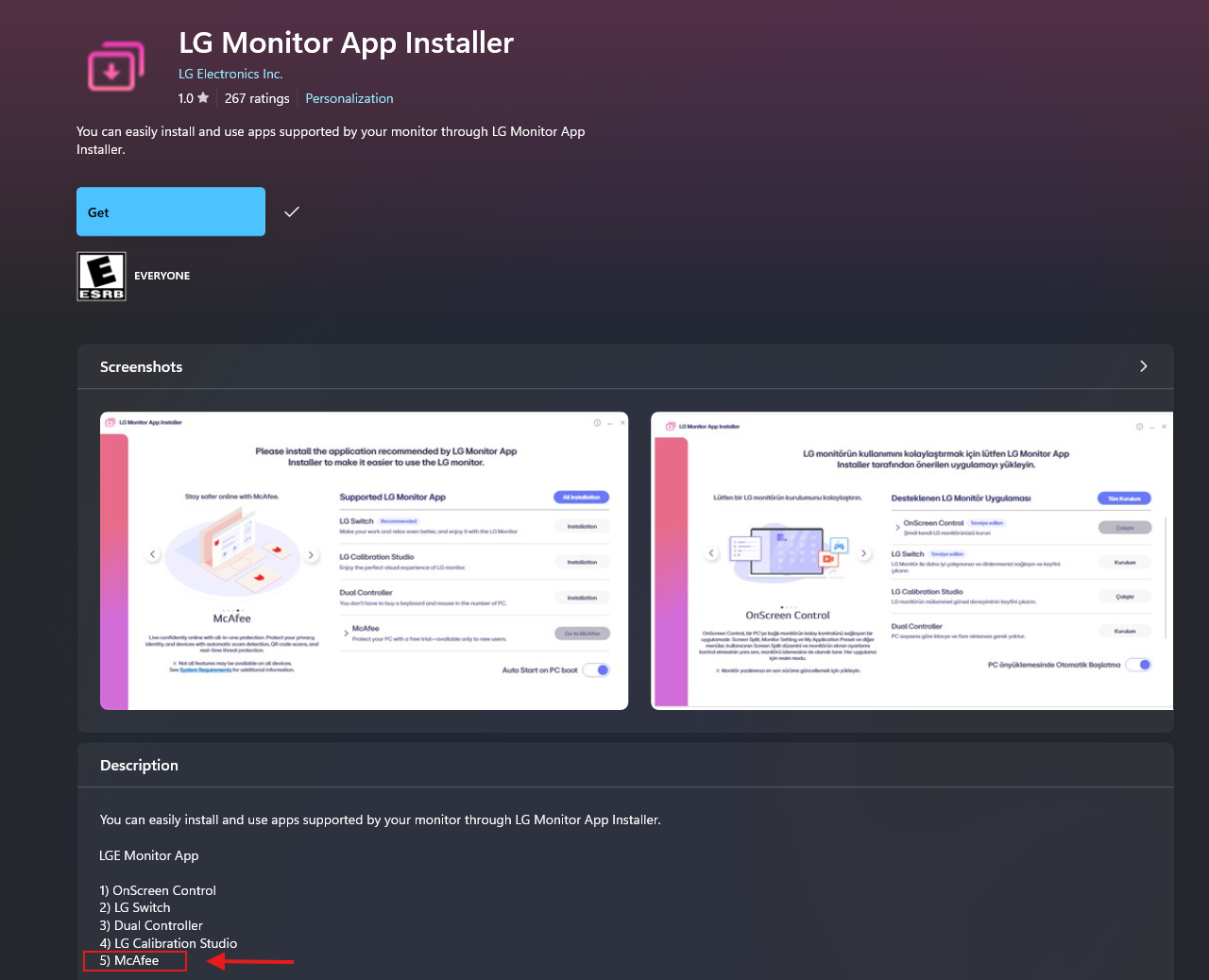
Our original report included the app’s changelog, which lists McAfee as an “Additional App” the company pushed in a recent update, and multiple users who never clicked an install prompt still ended up staring at a McAfee ad.
Regardless of how LG wants to frame it, Pavan Davuluri, Microsoft’s EVP of Windows and Devices, has now confirmed that LG is turning the pop-up off.
Microsoft says LG is disabling the McAfee pop-up in Windows 11
The story moved from Reddit, YouTube, and articles to Microsoft’s leadership team faster than expected. On July 17, one user posted a screenshot of the LG Monitor App Installer pop-up with the caption, “PSA: Do NOT buy an LG monitor, it automatically downloaded an app that gives me pop ups for their own apps and McAfee. This cant be legal.”
The post has since crossed 285,000 views.
Two days later, on July 19, Epic Games CEO Tim Sweeney replied to the thread, tagging Windows boss Pavan Davuluri: “Many reports of this occurring with arbitrary hardware.”
Davuluri responded a few hours later: “Thanks, Tim. The team is looking into it.”
Pulling in under 200 views, Pavan’s reply didn’t reach the wider audience, all while multiple outlets, including our own detailed report on LG’s monitor app installing bloatware through Windows Update, had already covered the story in depth.
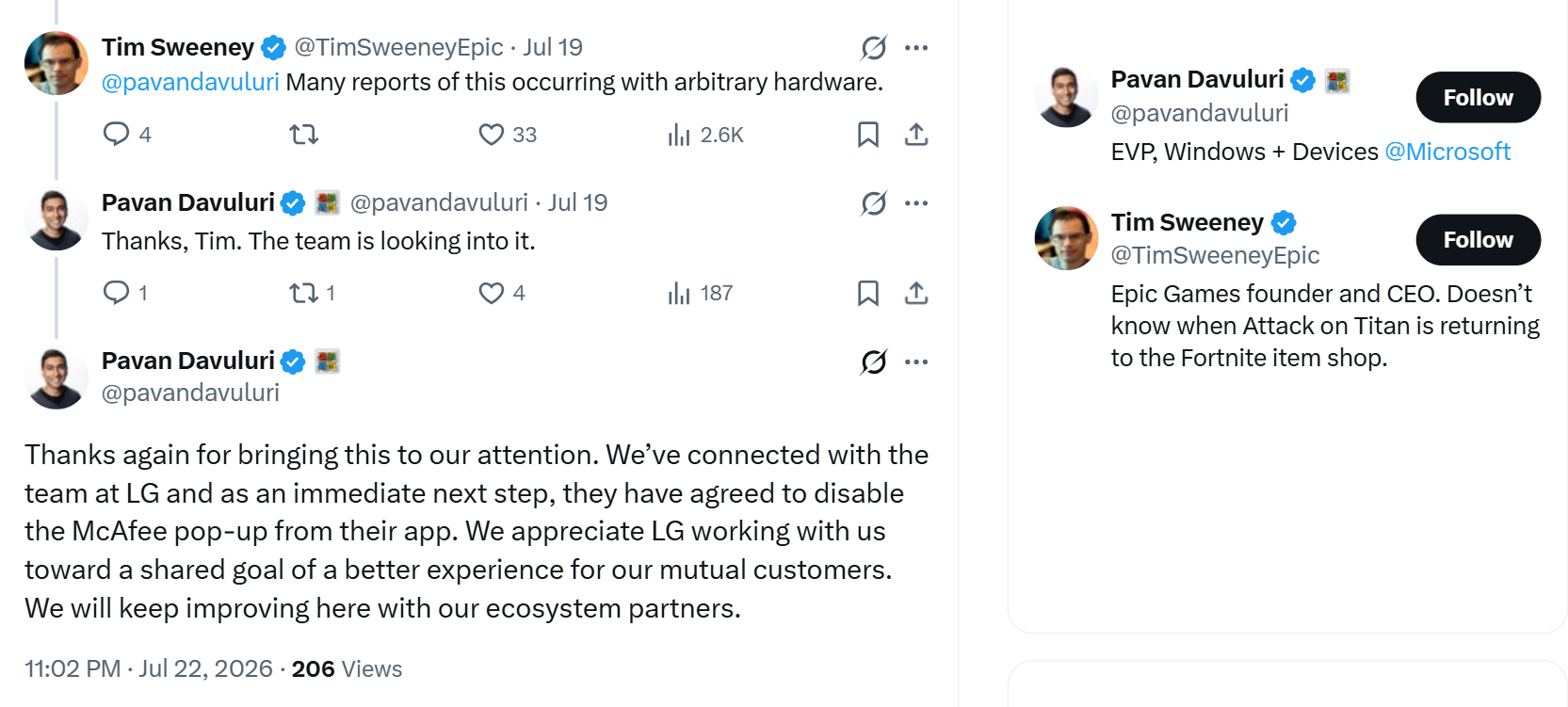
Now, after just 3 days, first spotted by Windows Latest, Davuluri followed up with a statement saying that Microsoft has contacted the concerned team at LG and the Korean tech giant has agreed to disable the McAfee pop-up ad from the LG monitor app. The Windows lead also mentioned that they will continue to improve such experiences with ecosystem partners.
“Thanks again for bringing this to our attention. We’ve connected with the team at LG and as an immediate next step, they have agreed to disable the McAfee pop-up from their app. We appreciate LG working with us toward a shared goal of a better experience for our mutual customers. We will keep improving here with our ecosystem partners.” – Microsoft
Remember, this is a deal that got written off between two large corporations. LG has a market cap of roughly $22 billion, and McAfee was taken private in a deal valued at more than $14 billion back in 2021. Neither company needs an introduction, and neither is a scrappy startup that stumbled into a partnership without lawyers reviewing every line of it.
Whatever agreement let McAfee ride along inside an LG monitor installer almost certainly went through a large commercial negotiation, and Microsoft took it down in three days!
LG defends itself, blames Windows distribution and user consent
LG sent a statement addressing the monitor issue:
“LG Electronics reiterates that McAfee is not installed automatically and is never installed without the user’s explicit consent. The LG Monitor App Installer is distributed through Microsoft’s official Windows distribution process, which included McAfee as an option. McAfee will be installed only if a user actively chooses to proceed with the installation and provides consent. Under no circumstances is McAfee installed automatically or without user authorization. The LG Monitor App Installer does not access, collect, or transmit any customer personal data.”
Clearly, LG is placing the blame on Microsoft’s distribution process and on customers who supposedly clicked through a consent screen. It doesn’t match what users recorded, though.
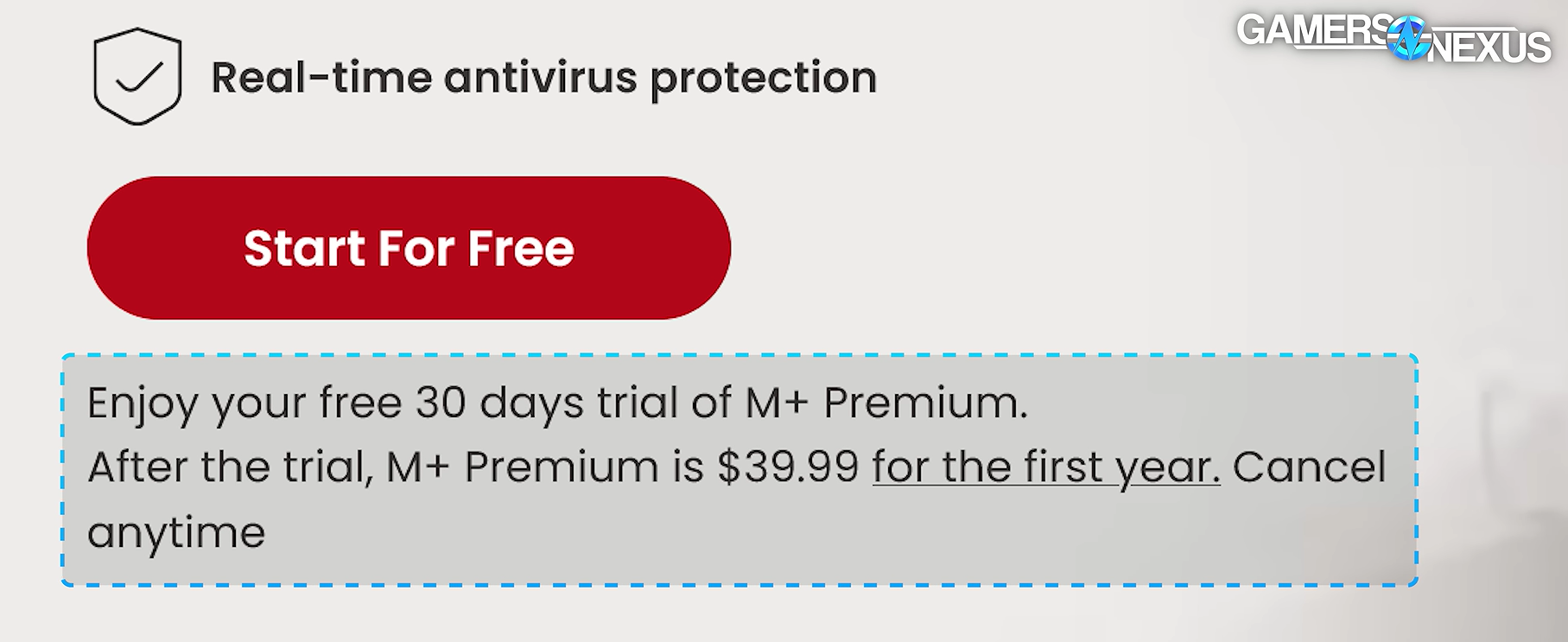
Also, our report documented the app’s changelog, which lists McAfee as an “Additional App” added in a recent update, alongside marketing copy describing a free 30-day trial.
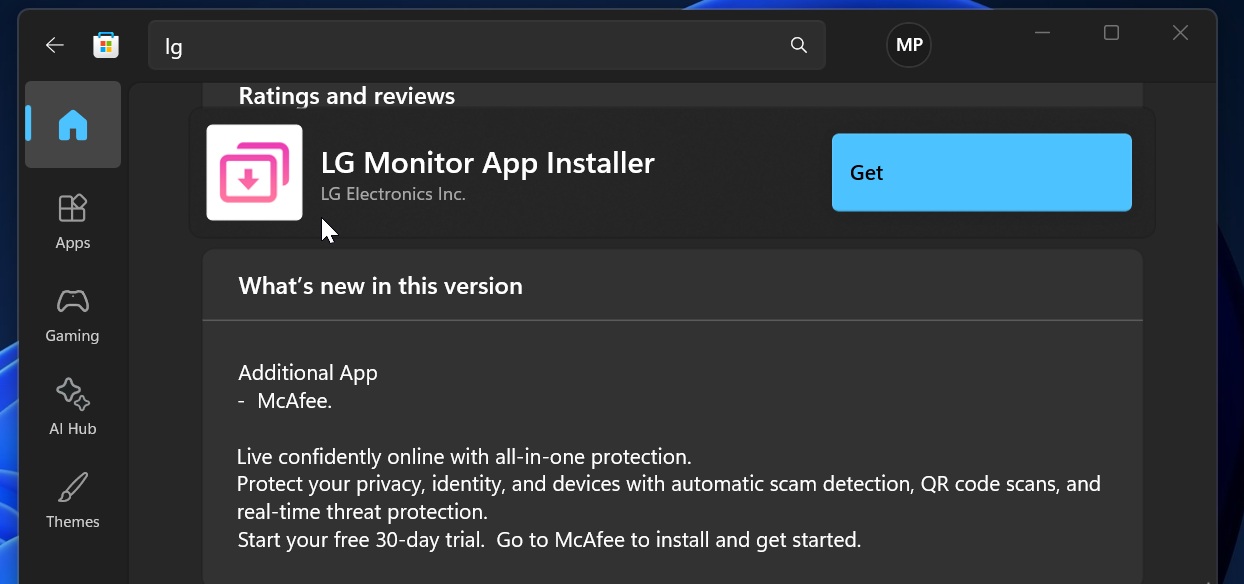
Multiple users reported seeing the McAfee popup appear without choosing to install it. LG’s app was what showed up uninvited. Either way, the issue was never that McAfee could theoretically be installed without consent. It’s that an expensive monitor’s companion app had no reason to show a pop-up for antivirus software for Windows 11.
Do people even need McAfee on Windows 11?
Windows Latest reported how Microsoft said most Windows 11 users don’t need third-party antivirus software, since Windows Defender already runs a full protection stack with real-time scanning, behavior monitoring, and cloud-delivered detection, and it scores as well as paid competitors in independent AV-Test and AV-Comparatives results.
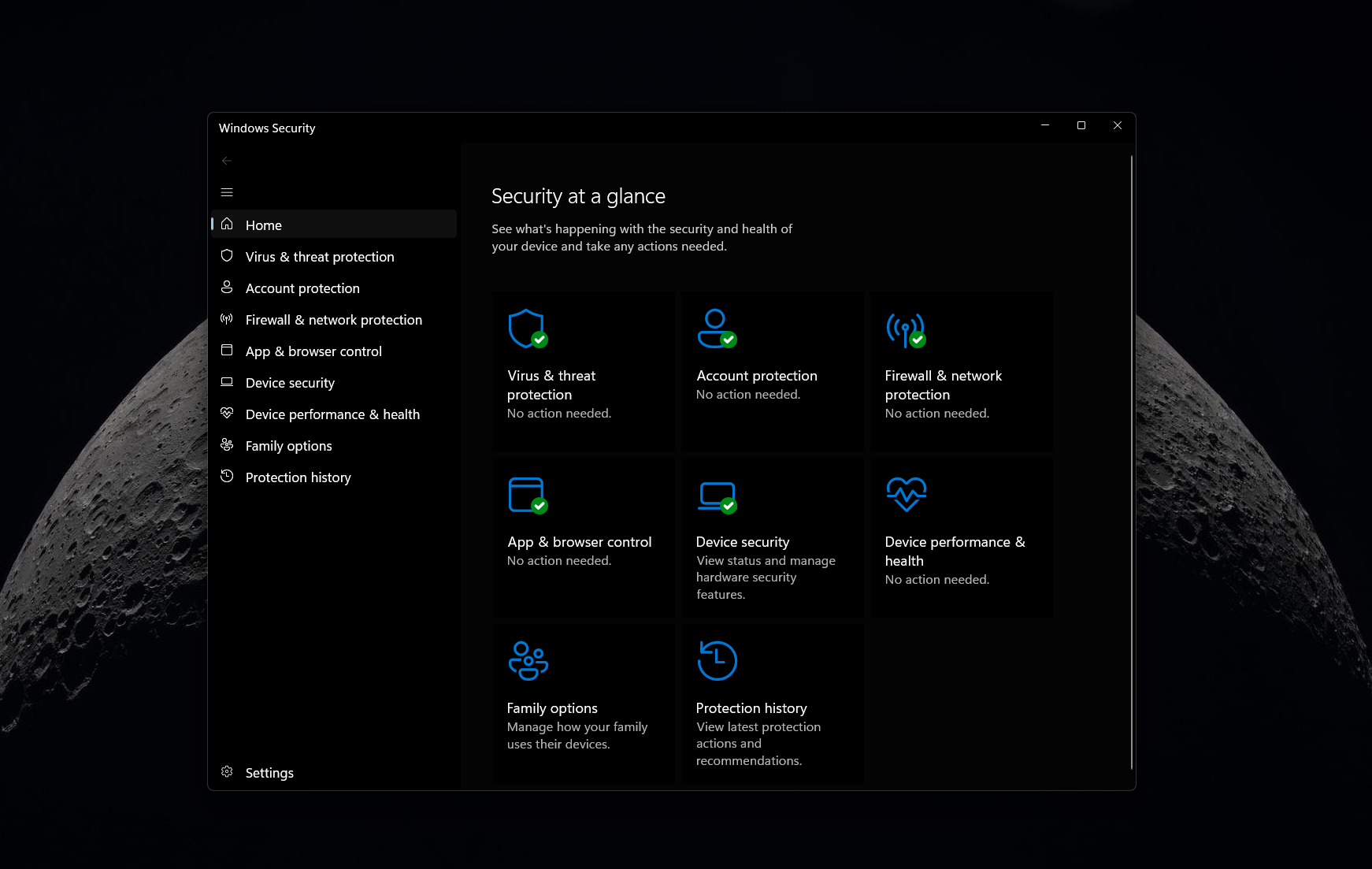
Then, surprisingly, Microsoft retracted its own “Defender is enough” page without explanation in June. Defender didn’t get any worse, though. Most people buying a $1,200 LG monitor already have adequate protection running in the background. LG wasn’t doing anyone a favor by adding a McAfee trial to their monitors.
Customers reacted to LG monitors showing pop-up McAfee ads
The short-lived saga started when Reddit user u/Mags_Smash posted on r/pcmasterrace, describing how Windows Update had silently installed an app called LG Monitor App Installer after connecting three LG UltraGear monitors, followed shortly by a McAfee trial pop-up that appeared without any consent screen.
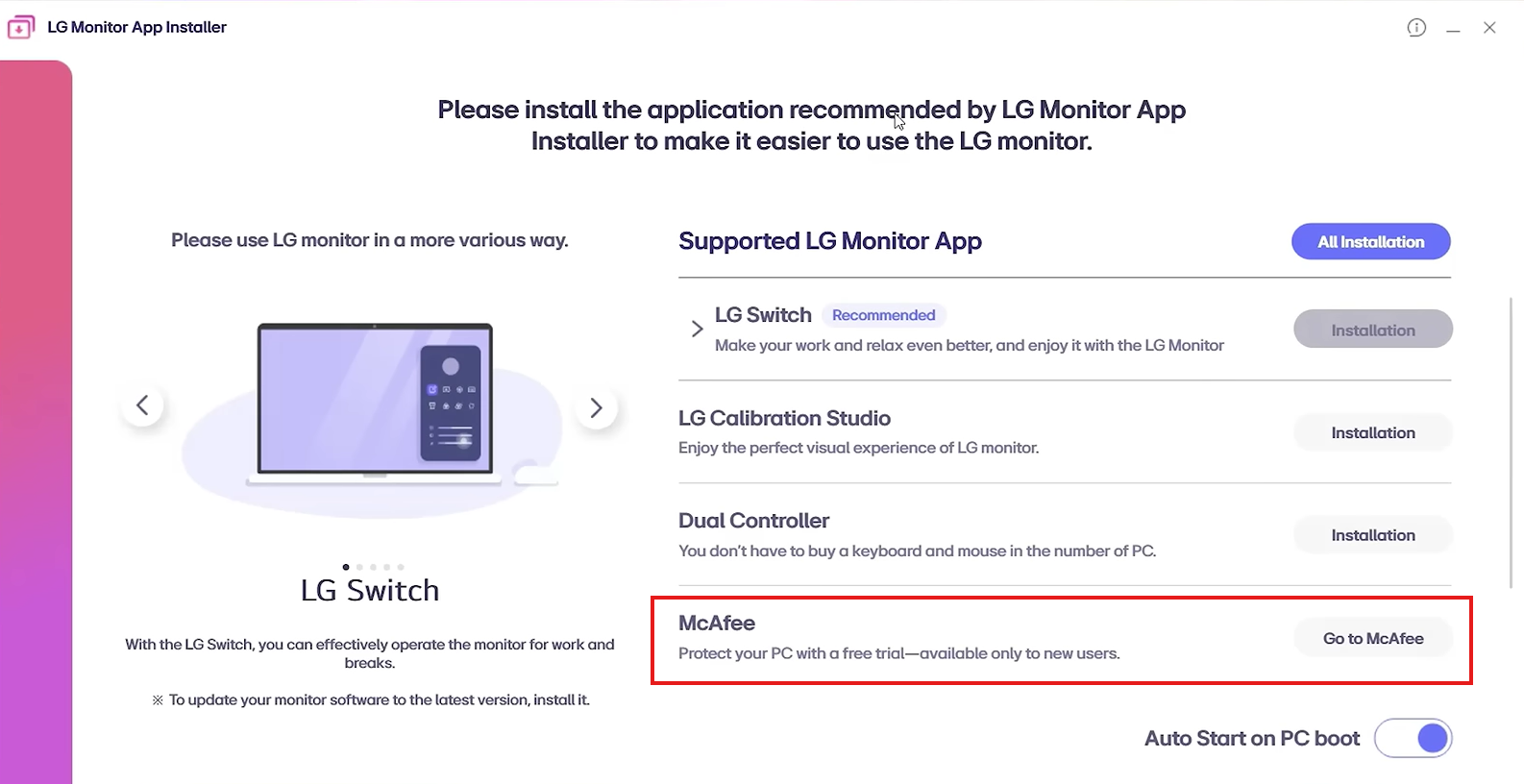
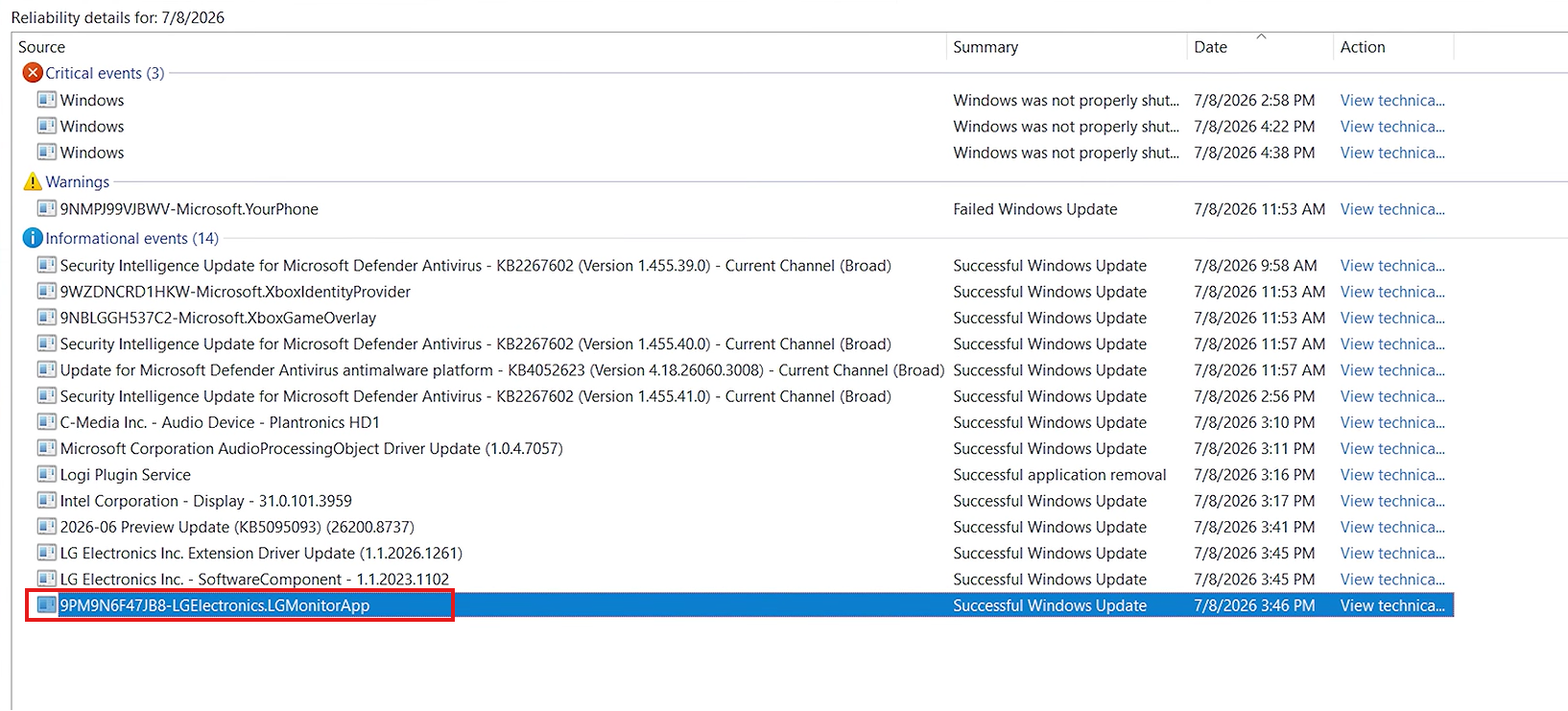
Windows Reliability Monitor and Event Viewer both confirmed the installation had come through a background Windows Update.
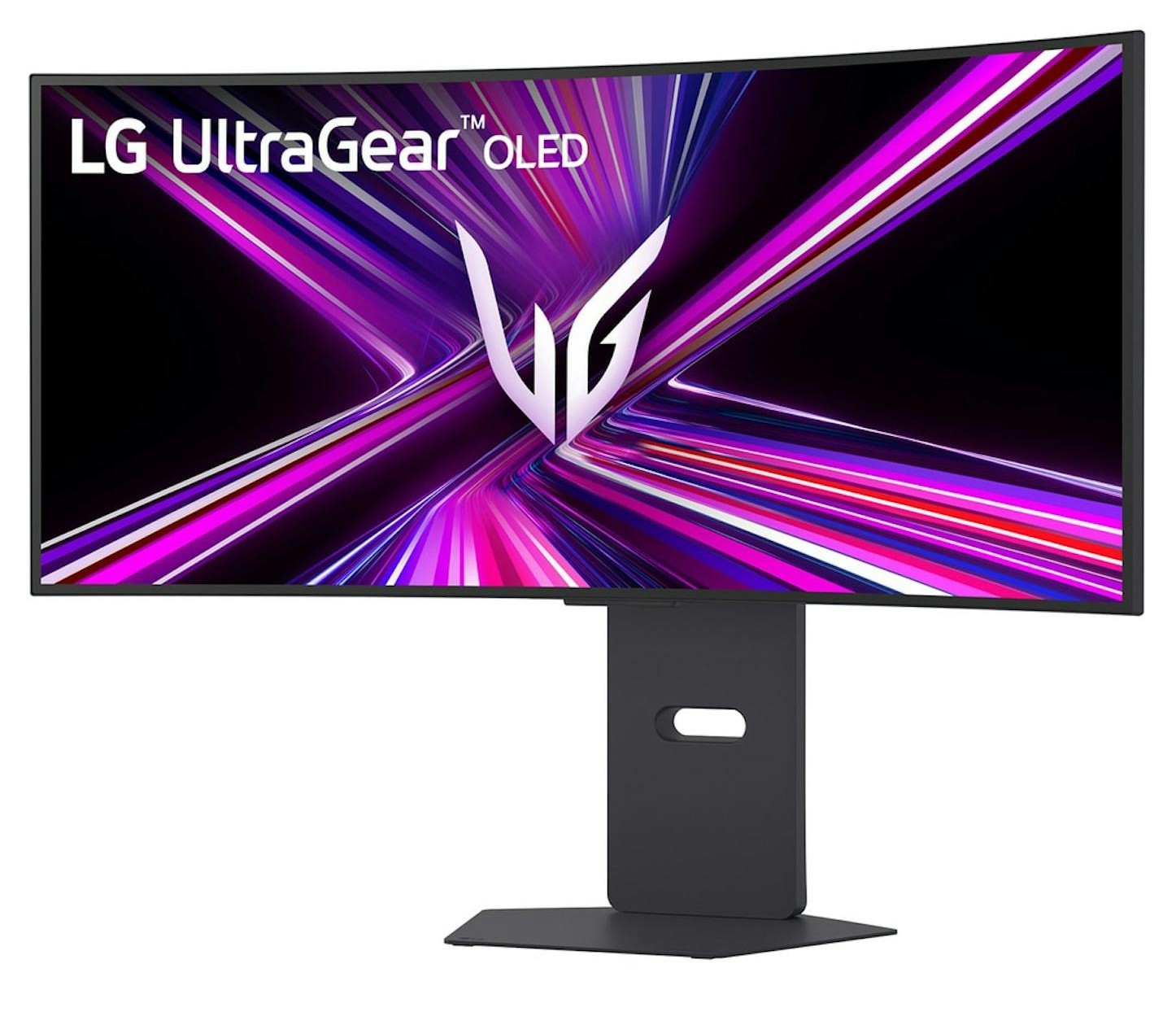
YouTuber Gamers Nexus picked up the story and reproduced it on a $1,200 LG UltraGear 34GX900A-B, getting the McAfee pop-up on 31 of 32 consecutive boots.
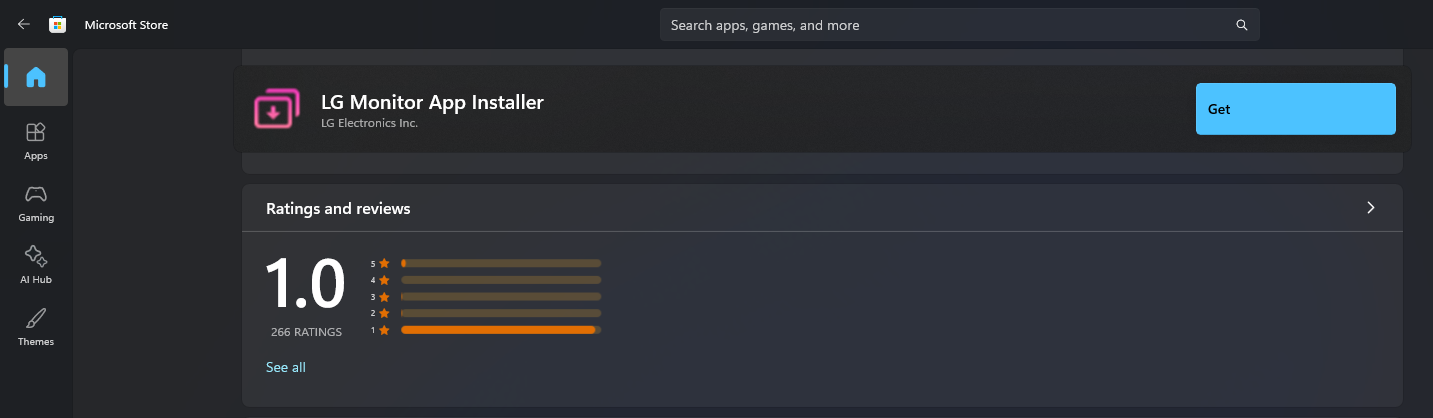
We went and found that Microsoft’s developer documentation for device metadata, the mechanism responsible for this, explicitly warns that silent installs can confuse users badly enough to tank an app’s rating, and in LG’s case, it went real with the LG monitor app going down to a single-star rating.
We also traced complaints about this app back to a Microsoft Tech Community thread from July 2025. Windows Update, for years, has let OEMs use the device metadata pipeline. Razer’s camera drivers have quietly bootstrapped its Synapse app through the same channel.
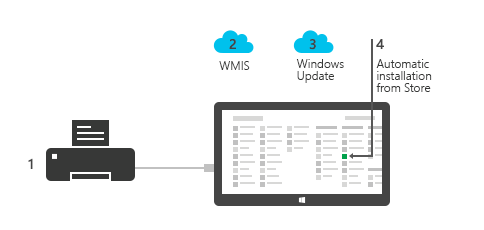
Note that Apple’s macOS has no equivalent mechanism that lets a peripheral install App Store software when it’s plugged in. Yes, Microsoft also bears responsibility here, not just LG, because the install path only exists because Windows allows it.
How to remove the LG Monitor App Installer and block it from reinstalling
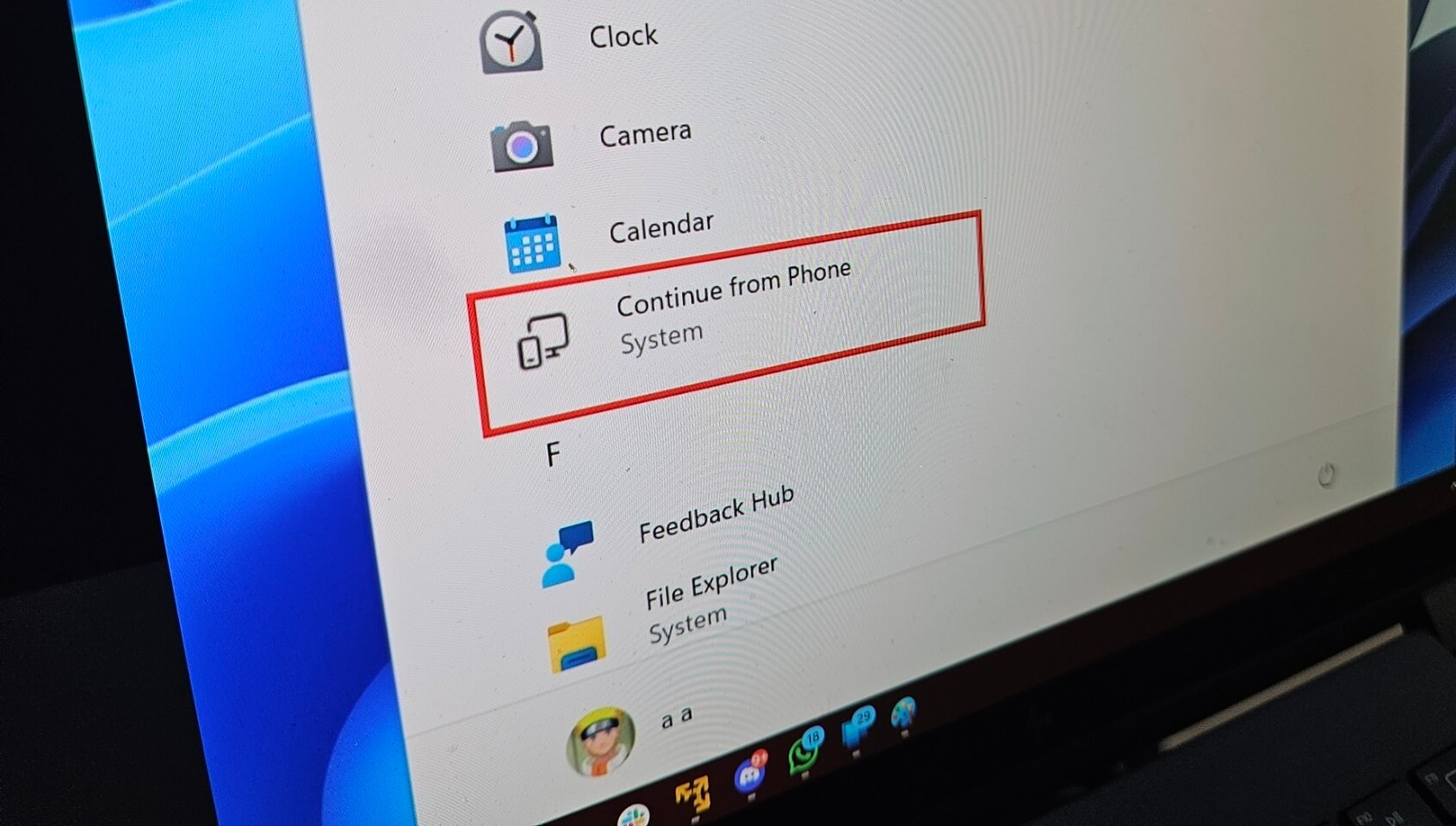
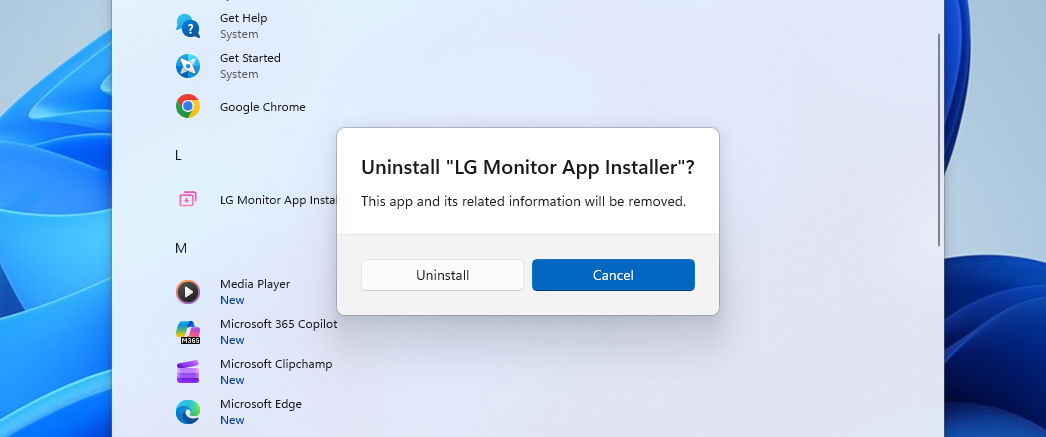
If you already have the LG Monitor App Installer on your PC, go to Settings > Apps > Installed apps, search for it, and uninstall it from there, or do it directly from the Start menu.
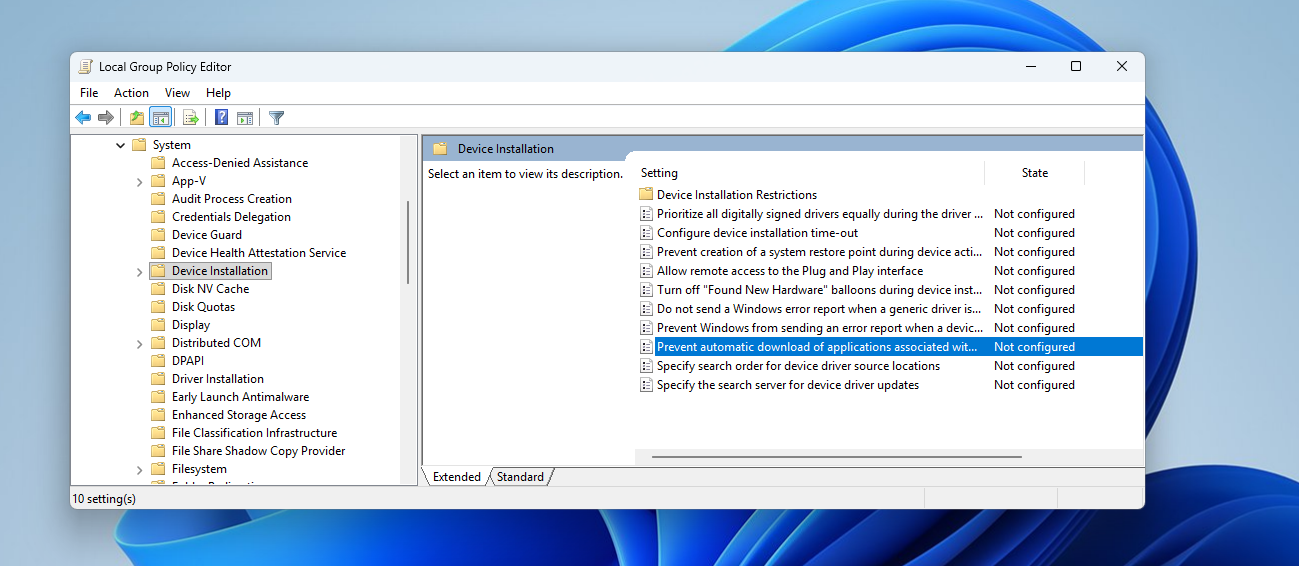
To stop Windows from auto-installing it again, or to block similar apps from other brands, open Group Policy Editor with gpedit.msc, then go to Computer Configuration, Administrative Templates, System, Device Installation. Enable “Prevent automatic download of applications associated with device metadata,” and click Apply.
Microsoft is listening again, and that’s a good sign for Windows
Sweeney tagged Davuluri on July 19, and by July 22, LG had already agreed to remove the pop-up. A few days is never enough for three large corporations to reach an agreement that includes an existing commercial partnership, and it happened because the Windows lead treated this as an immediate issue.
Davuluri saying “better experience for mutual customers” and “improving here with ecosystem partners” shows the same instinct that’s been showing up elsewhere in Windows 11 this year, including the return of a movable taskbar, an MSN-free Windows Search and the recent Driver improvement initiatives.
OEM bloatware showing up through Windows Update probably isn’t over, and LG’s statement makes it clear that the company still isn’t fully owning what happened. But for once, a major Windows-related consumer complaint got resolved in under a week, and that’s worth acknowledging.
The post Microsoft is cracking down on Windows 11 bloatware ads, forces LG to pull McAfee popup appeared first on Windows Latest