Windows 11 now supports resuming WhatsApp from Android, but you’ll wait longer for the app to load
Windows 11's cross-device Resume feature has reached WhatsApp, letting you tap a taskbar badge to pick up Android chats on your PC. I tested it, and while the idea mirrors Apple's Handoff nicely, WhatsApp's sluggish WebView2 wrapper takes so long to load that picking up your phone is faster. The post Windows 11 now supports resuming WhatsApp from Android, but you’ll wait longer for the app to load appeared first on Windows Latest
 admin
admin

This morning, while I was sitting down to work, I heard a notification sound from my Android phone. I did not pick it up. A few seconds later, the WhatsApp icon with a small phone icon appeared on my taskbar, and it hit me: Cross-device resume for WhatsApp is rolling out to all PCs.

I hovered over the icon, and a small card popped up. “Resume from your phone.” Below it, the WhatsApp logo and “Continue on this PC.”
I clicked it. WhatsApp opened, and it slowly started loading my chats. That’s when I remembered that this new feature is worthless, because WhatsApp for Windows is one of the slowest apps on the platform. It is a sluggish web app dressed up as a desktop client, and it eats a ton of RAM.
The idea behind the feature is brilliant, though. It is Windows 11’s version of Apple’s Handoff, which lets you start something on one Apple device, like an email or a Safari tab, and pick it up on a nearby Mac, iPhone, or iPad using Bluetooth and iCloud, with no manual syncing needed.
Microsoft calls their version Resume, and on paper, bringing it to WhatsApp should have been a practical upgrade. Instead, it exposes why WhatsApp for Windows needed fixing long before Microsoft got around to adding a shortcut that opens it faster.
WhatsApp’s Continue on this PC feature is now live for Windows 11 users, and I tested it
When you get a WhatsApp message on your phone, on the taskbar, a WhatsApp icon shows up behind a thin vertical divider line, separated from your other pinned and running apps. A small blue phone icon is on top of the WhatsApp logo. Hover over the icon, and you’ll also see an external-link arrow.

Click it, and Windows begins the tiring process of opening the WhatsApp for Windows app, the same Chromium-based WebView2 wrapper I have already spent months complaining about.
Watch the screen recording, and the amount of time WhatsApp takes to load the chats is enough for me to take my Android phone, type up the message, and come back doing my work, thereby completely negating the need for such a feature.
Also, the feature is painfully erratic. When I get the Resume notification, it’s usually when I don’t need it at all.
When it does work, it is consistent about opening the correct chat. But what’s missing is speed, and that has everything to do with WhatsApp’s architecture.
It is a WebView2 wrapper that loads web.whatsapp.com inside a Chromium container instead of running as a proper native app, and in my testing last month, it was already using close to 1.2 GB of RAM once chats synced in, with a noticeable delay before the single tick shows up when sending a message.
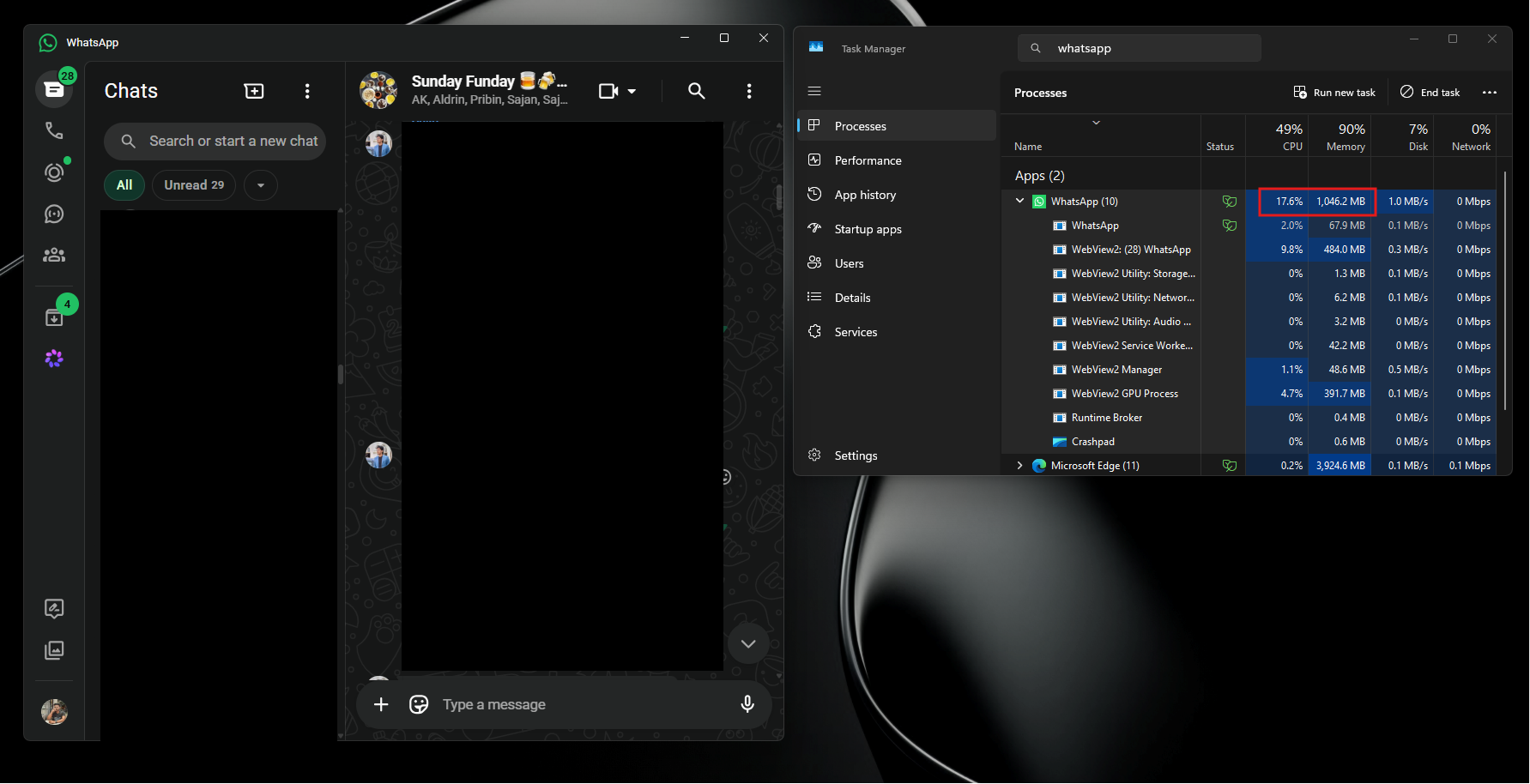
Adding a faster way to open a slow app does not fix the app. It just gets you to the slowness quicker!
The only reason I am still on WhatsApp is that almost everyone I know uses it as their main way of texting. It is not a choice at this point. It is the default, despite the app not deserving it.
Should you turn off Resume for WhatsApp on Windows 11
I already use WhatsApp Web in a browser tab instead of the dedicated Windows app, because it loads faster and feels lighter than the app somehow. Resume defeats that, since clicking “Continue on this PC” always opens the desktop WhatsApp app.
If you’re not a fan of painfully slow apps, or if you simply find the taskbar badge distracting, you can turn off Resume for WhatsApp.
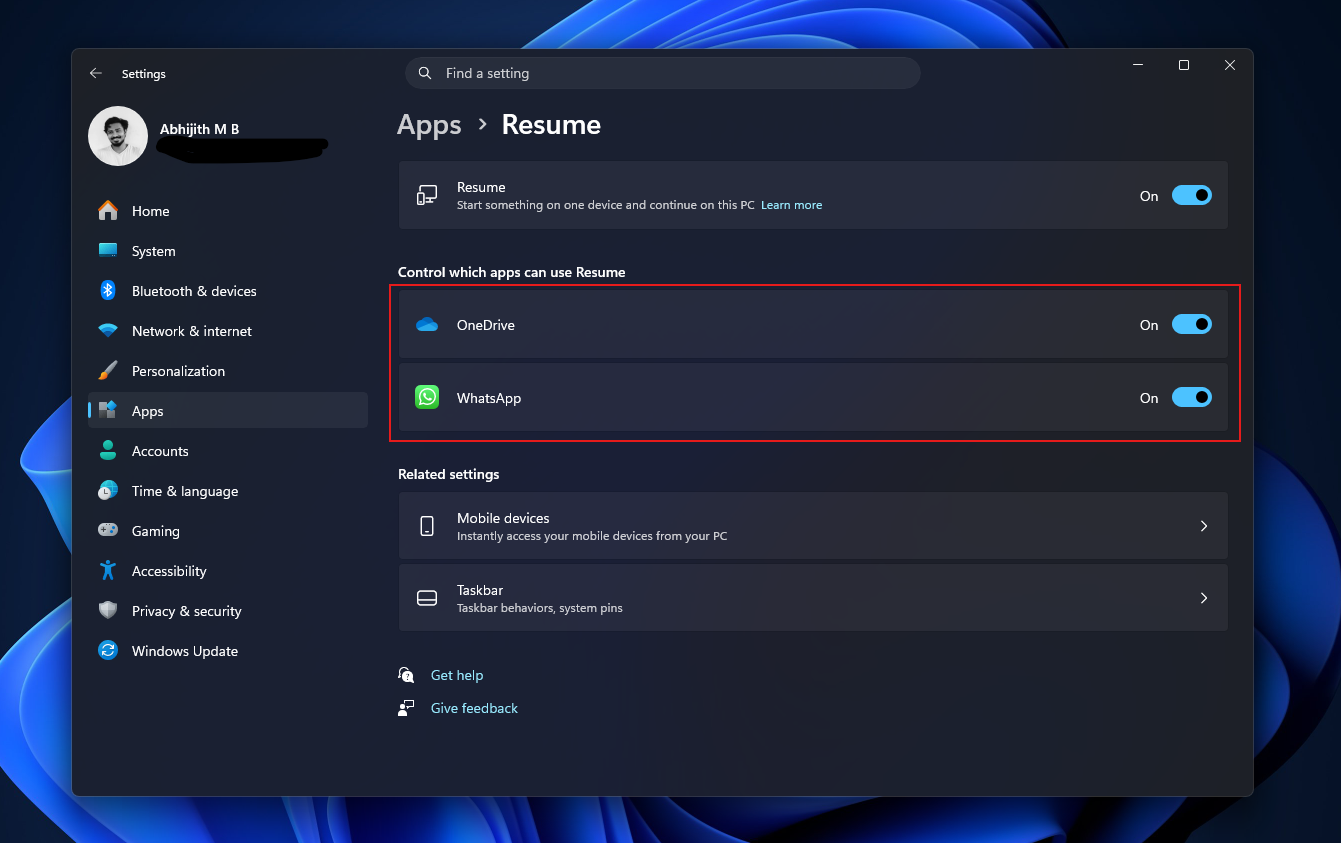
- Open Settings and go to Apps, then click Resume.
- You will see a list of apps that support cross-device resume on your PC. Mine shows OneDrive and WhatsApp.
- Turn off the toggle next to WhatsApp.
Note that turning it off does not disable WhatsApp notifications.
Microsoft was working on Windows 11’s cross-device Resume feature from 2024
Windows Latest has tracked Resume since it first showed in June 2024, when we spotted the earliest version, then called “Continue from Phone,” buried in the Start menu’s All apps section. Clicking it did nothing. Microsoft had shipped the button before it had shipped anything for the button to do.
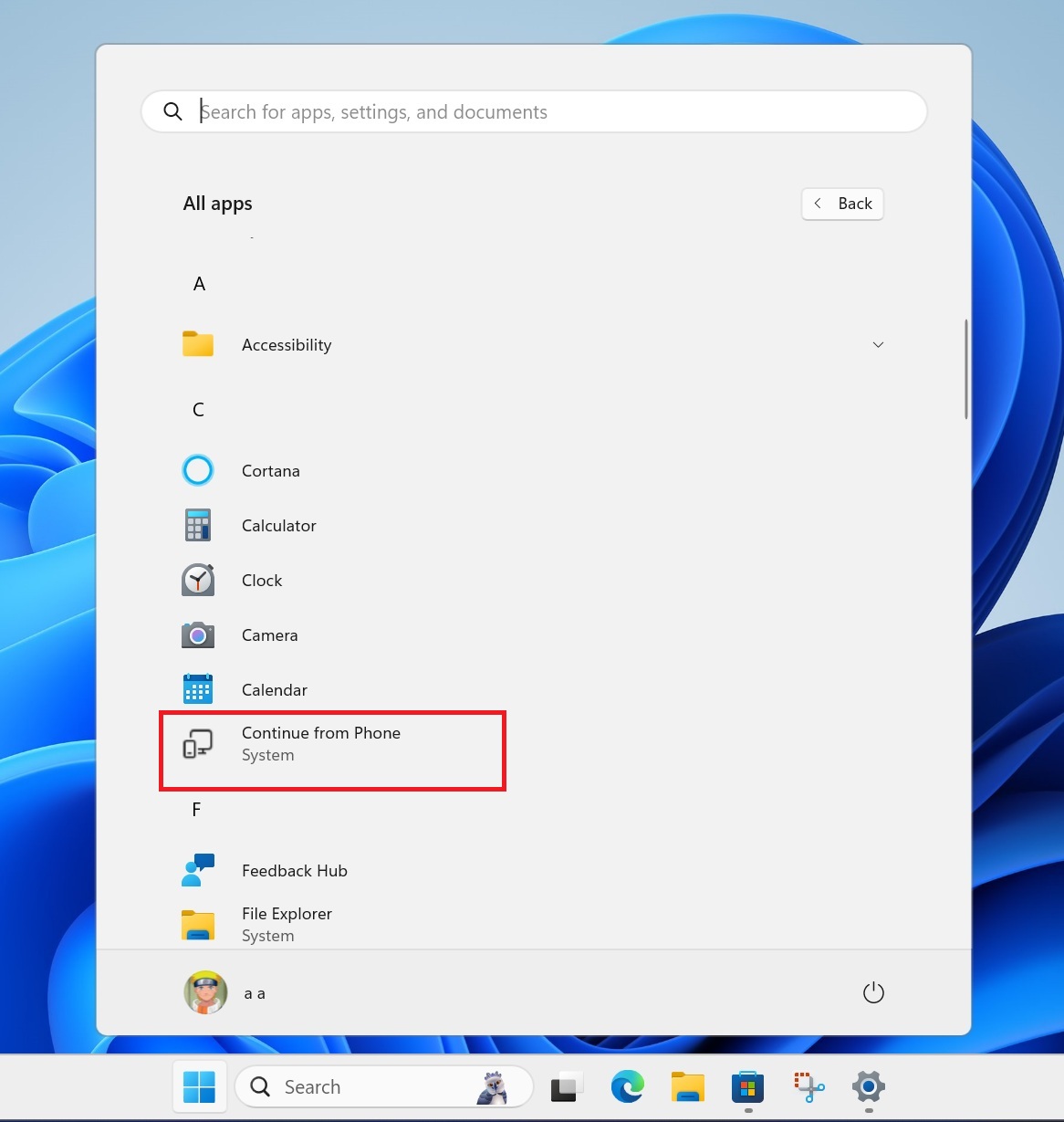
By September 2024, Windows Latest reported the feature had been rebranded internally as “Handoff,” tied at that point to OneDrive files. Edit a document on your phone, and Windows would (eventually) offer to continue it on your PC.
The following month, the settings page dropped the Handoff name and switched to “Resume,” the name it still carries today, with a description reading “Start something on one device and continue on this PC.”
By February 2025, Windows Latest went hands-on with the OneDrive version of Resume as it rolled out through the Windows Insider Program. It worked, mostly, though the notification prompting you to resume did not always appear, and the feature only supported a Microsoft personal account signed into the same default browser on both devices.
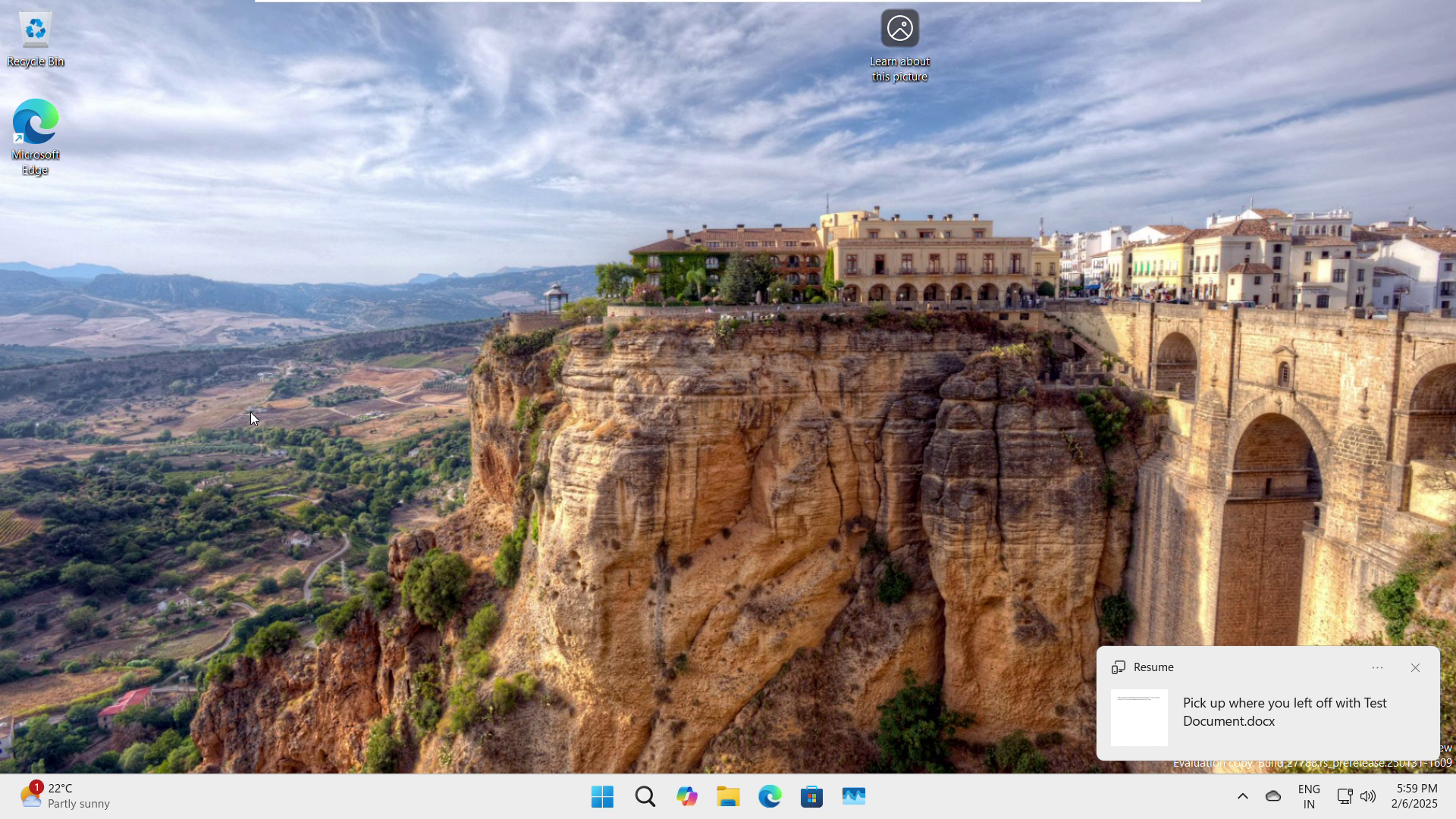
A year later, in February 2026, Windows Latest tested Spotify’s implementation of Resume, and this is the version that finally showed what the feature could be. Play a track on Android, sit at your PC, and the Spotify icon appears on the taskbar within seconds, ready to resume the exact song without any noticeable delay.
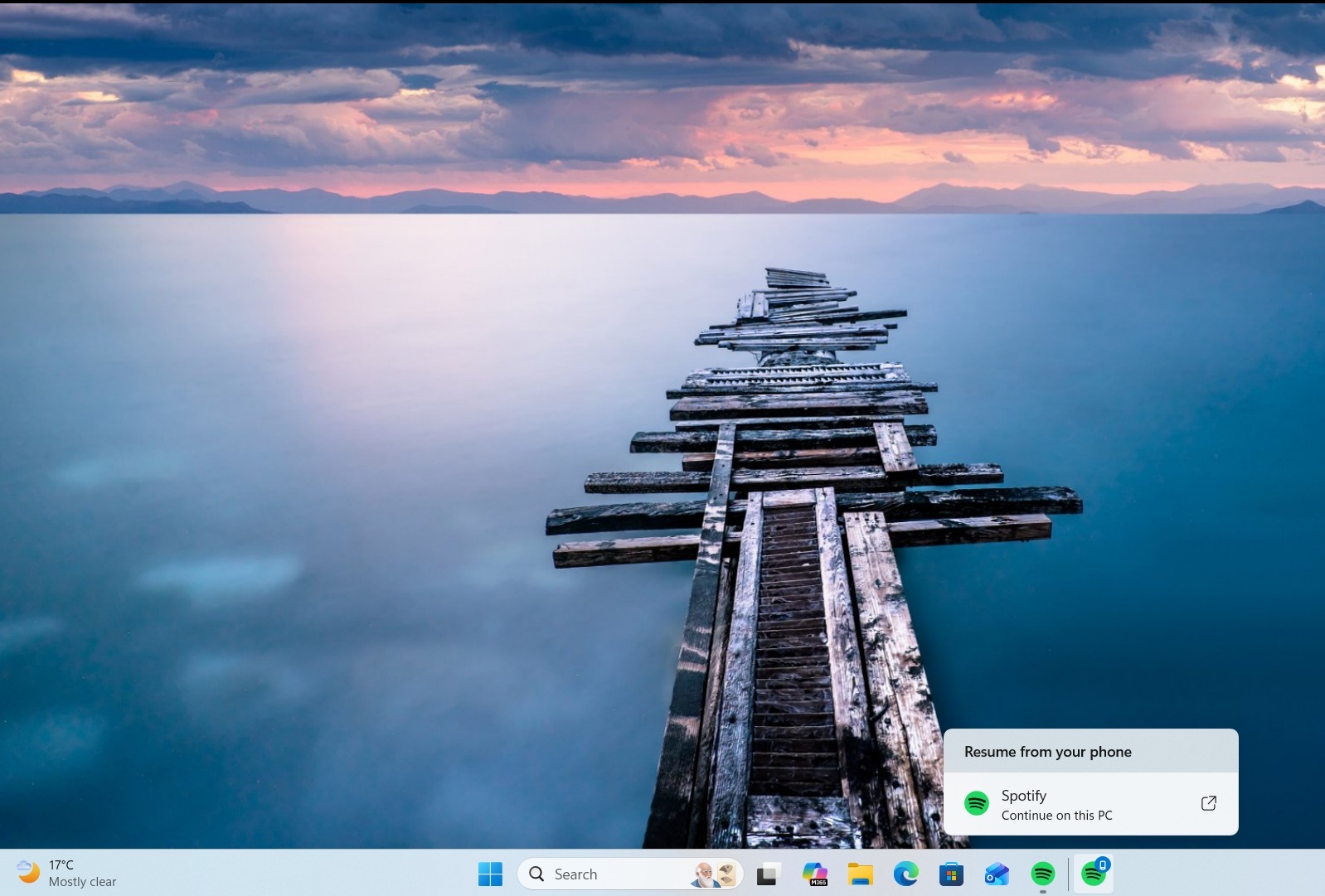
Windows Latest also reported the same month that a Resume toggle for WhatsApp had started appearing in Settings on some Insider builds, though at the time it did not do anything.
Windows 11 needs faster apps before it needs more convenience features
Resume is a good idea. Microsoft spent two years building a competent Handoff clone. But it doesn’t help when the app it hands you off to takes several seconds just to show your messages.
This wouldn’t have been the case if WhatsApp was still in its UWP era. Microsoft has not been consistent about which UI framework it wants developers to build on. The company pushed UWP hard during the Windows Phone years, then quietly deprioritized it once that platform failed.
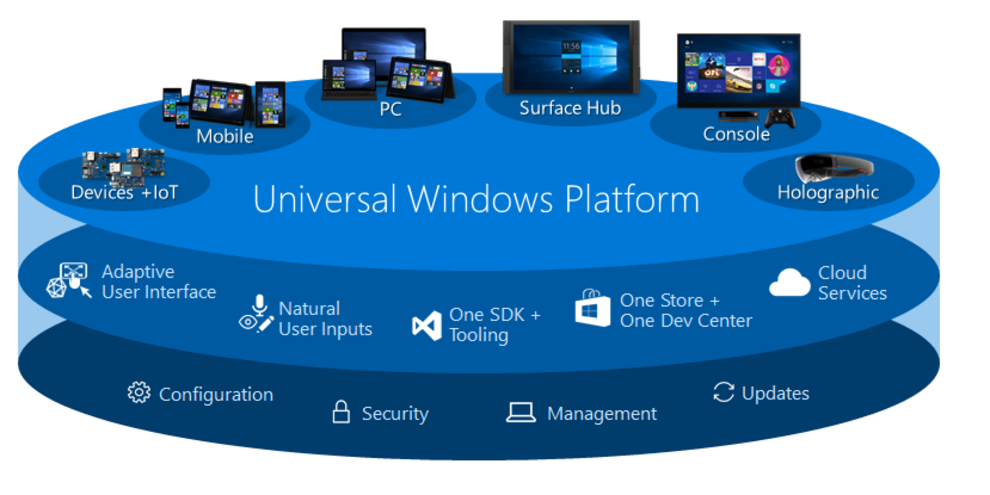
WhatsApp’s old UWP app was fast, lightweight, and used barely any storage. When Microsoft’s enthusiasm for UWP faded and WinUI emerged as its successor without a clear, consistent transition plan, Meta made a business decision to switch WhatsApp to a web wrapper.
If Microsoft had picked one UI framework early on and stuck with it long enough for developers to trust it, this might have gone differently.
With Microsoft’s renewed focus on WinUI 3, including public commitments made at Build 2026 to push developers back toward native apps, there is a real chance more companies follow through this time.
The post Windows 11 now supports resuming WhatsApp from Android, but you’ll wait longer for the app to load appeared first on Windows Latest