Microsoft admits it can’t fix Windows 11 Secure Boot problems, and older PCs are hit hardest
Microsoft's Secure Boot Office Hours event answered many IT admin questions, but several issues went unresolved, including HP BitLocker recovery loops that survived the latest BIOS, stuck KEK updates on HP EliteBooks, and Dell devices that refuse to update at all. The post Microsoft admits it can’t fix Windows 11 Secure Boot problems, and older PCs are hit hardest appeared first on Windows Latest
 admin
admin
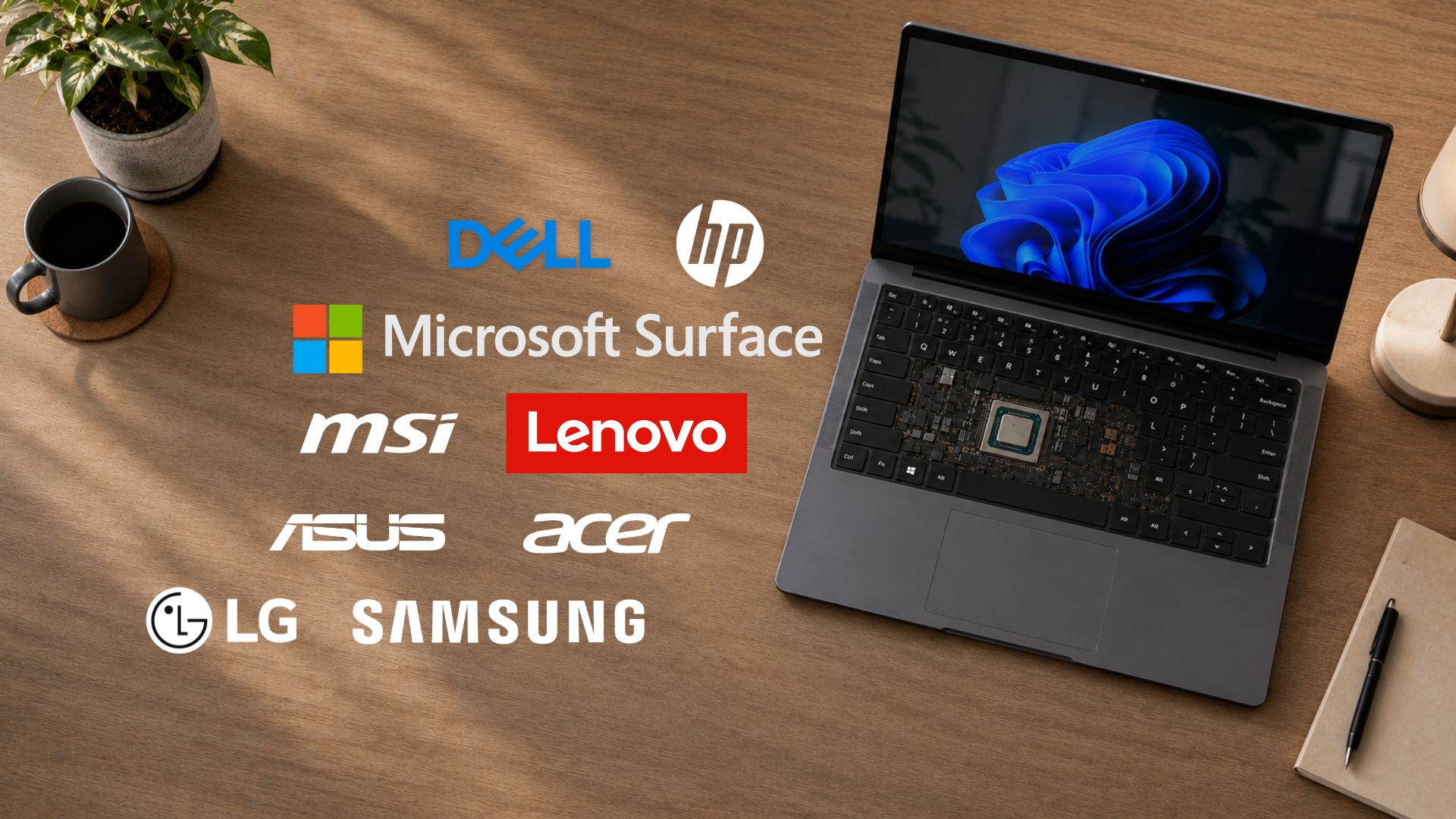
Microsoft held an OEM Secure Boot Office Hours event on July 15, bringing engineers from Microsoft together with representatives from Acer, Asus, Cisco, Clevo, Dell, Fsas/Fujitsu, Honor, HP, Lenovo, LG, Surface, and Xiaomi to answer live IT admin questions about the Windows 11 Secure Boot 2023 certificate rollout.
Windows Latest already made a detailed article covering all the fixes and technical answers that came out of that session, from the AvailableUpdates registry key to how confidence ratings work on enterprise fleets.
Not everything got resolved, though. A good portion of the same office hours thread is admins describing Secure Boot certificate errors that Microsoft and OEMs could not explain, or fixes that were supposed to work according to official documentation but did not work when applied to their hardware.
If your Windows 11 PC or fleet is stuck on a Secure Boot certificate error, BitLocker recovery loop, or KEK that isn’t getting updated, this rundown of the unresolved issues from the OEM Secure Boot Office hours event should tell you whether you are dealing with something Microsoft already knows about, or something nobody else has reported yet.
Where Windows 11 Secure Boot certificate deployment is still breaking for IT admins
Several admins described problems that Microsoft or the relevant OEM couldn’t fully explain, or where the fix that should have worked according to official documentation fell apart in their PCs.
HP’s BitLocker recovery loop persists even on the latest BIOS
The most concerning comment in the OEM Secure Boot Office Hours event came from epoch71, who manages more than 7,000 HP EliteBooks and ZBooks spanning G7 through current models. Forcing the certificate install through the AvailableUpdates registry key triggered BitLocker recovery in testing. So did following HP’s published guidance to manually toggle the four Secure Boot BIOS settings the American PC manufacturer documents in their support article.
Windows Latest reported in May when HP first acknowledged that a batch of April 2026 BIOS updates could corrupt the PCR7 measurements BitLocker seals its key against, forcing a recovery prompt on every reboot until the certificate handoff finishes.
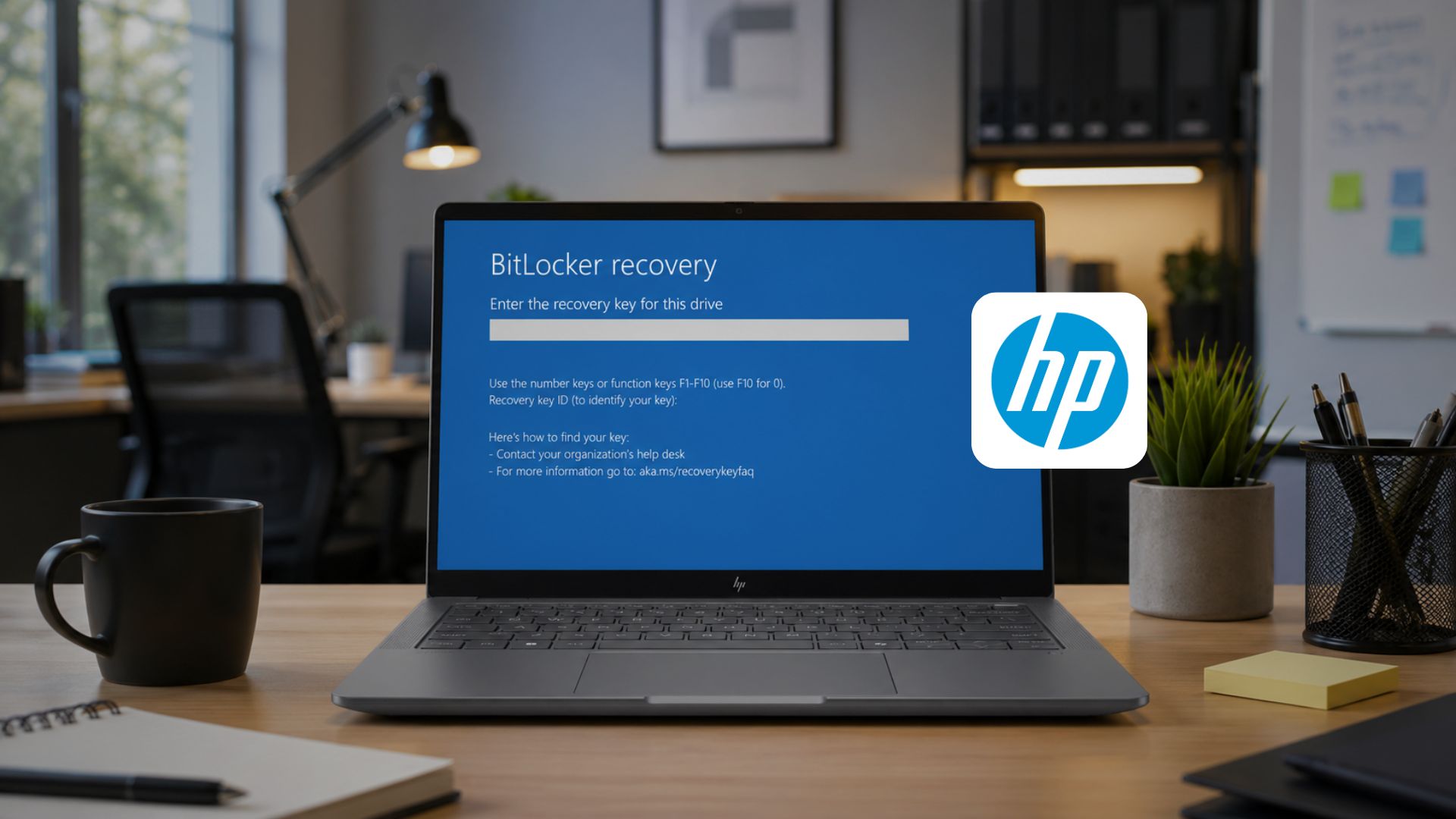
HP’s Juergen_Bayer initially advised epoch71 to make sure the very latest BIOS was installed and to leave the new certificate-related BIOS settings untouched, letting Windows Update handle the certificate additions on its own.
epoch71 pushed back, saying his fleet was already running the latest BIOS delivered through HP Image Assistant, and BitLocker recovery still triggered, without adding any of the certificate settings HP had warned against changing.
When he forced certificates through the registry key in his EliteBook 640 G10 running BIOS V75 01.12.01, it went into recovery mode every time. Reverting to the older BIOS V75 01.11.00 made the problem go away, but rolling back BIOS versions across thousands of deployed devices isn’t something most IT teams can do without significant disruption. Neither HP nor Microsoft had a follow-up answer to this issue by the time the session closed.
HP’s legacy device stance draws direct criticism
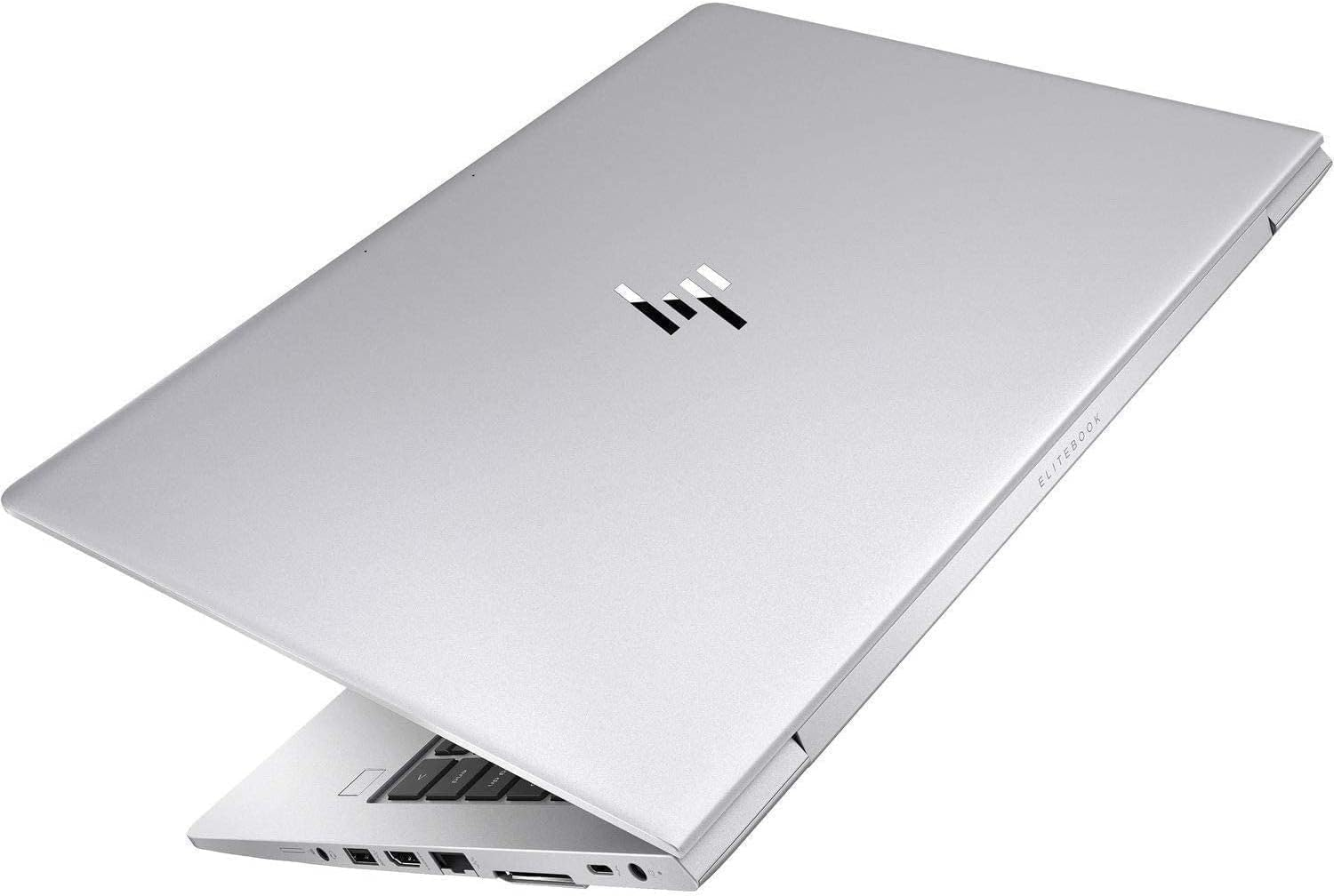
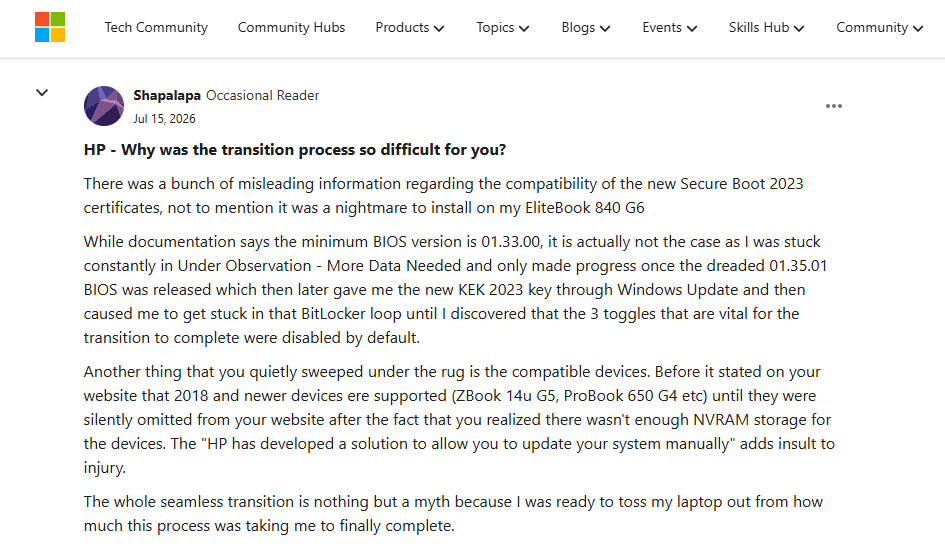
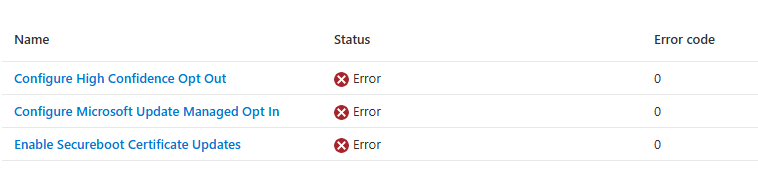
A user posting as Shapalapa used the AMA to air a detailed complaint about HP’s rollout. On an EliteBook 840 G6, they described getting stuck in Under Observation – More Data Needed for an extended period, only progressing after installing the 01.35.01 BIOS, and then coming back to the same BitLocker recovery loop epoch71 described, which only resolved once they discovered three specific BIOS toggles were disabled by default and needed to be manually enabled.
They also pointed to a change in HP’s documented device list. HP’s support page originally listed 2018-and-newer devices as supported, including models like the ZBook 14u G5 and ProBook 650 G4, before those entries were quietly removed once HP determined the NVRAM on that hardware couldn’t fit the new certificates. HP’s manual update package for out-of-service devices was, in their words, an insufficient substitute for a proper BIOS fix. Neither HP nor Microsoft responded to this post.
Devices still stuck on Secure Boot Status = Unknown
salmankhan1’s original question, about devices reporting Secure Boot Status = Unknown despite having the 2023 certificates, an enabled Secure Boot flag, and a functioning TPM, only got a partial answer.
Microsoft’s Prabhakar responded by recommending running Get-SecureBootRolloutStatus.ps1 for a fuller picture, but didn’t identify a root cause for why the status reporting was wrong on devices that otherwise met every prerequisite.
Checker-KP’s HP fleet still can’t get the KEK to update
Checker-KP described roughly 700 HP EliteBook G9 and G10 units where the DB certificates updated successfully after setting the registry key to 0x5944, but the KEK specifically would not update, repeatedly returning to Not Started after every reboot.
HP’s Duane_Gatlin and Juergen_Bayer both responded with troubleshooting steps, including trying 0x4 in the registry to explicitly force the KEK update, and confirming the latest available BIOS versions for both models.
But when Checker-KP followed up after updating one test machine to the newest BIOS, the KEK still hadn’t updated. The thread ended there without a confirmed fix, and Checker-KP was left wondering if their specific units were among the ones affected by Microsoft’s known-issue block on certain firmware buckets, something Windows Latest reported on in detail earlier this month, where Microsoft began pausing the rollout on specific device and firmware combinations instead of letting a known-broken update proceed.
Two Dell and HP questions went unanswered
An IT Admin with username pbormet described reasonable success updating certificates across a Dell fleet, with one exception: Optiplex 5000 units that refuse to update the registry key when the command is given. No Dell representative responded during the session.
A question to HP from Shapalapa asking why the certificate transition had been so difficult for HP customers specifically, covering the same NVRAM capacity issue and the BitLocker loop, also went without a reply from the company.
Secure Boot issues are a pattern across OEMs, not just one vendor
HP and Dell customers reported the roughest experience with Secure Boot of any OEM represented, which tracks with what we have documented since March. Our original report on the wider firmware problem behind Secure Boot 2023 found that inconsistent firmware implementations across the PC industry (not any single vendor’s mistake) were responsible for making a routine certificate change into a stress test for UEFI.
The OEM comparison guide Windows Latest published in June found Dell had taken the most conservative approach, shipping both the 2011 and 2023 certificates on new hardware since late 2024. HP’s rollout, by comparison, has now generated two separate rounds of BitLocker complaints spanning three months, first in April and again in this July office hours session, with the second batch showing up on BIOS versions that were supposed to have fixed the original problem.
Windows Latest also tracked how HP and Dell firmware issues bled into wider Windows 11 reliability complaints, and later found HP devices among the PCs hit by BitLocker recovery prompts and boot failures which came with the June 2026 Patch Tuesday update.
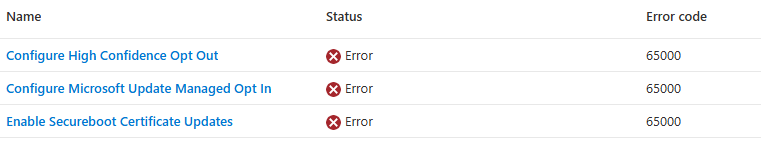
If you’re an IT admin still working through this rollout, the safest approach that we recommend is to pilot on representative hardware before pushing broadly, confirm BitLocker recovery keys are backed up before changing any registry key or BIOS setting, and if a device is stuck on a status that doesn’t match its certificate state, run Detect-SecureBootCertUpdateStatus.ps1 from %systemroot%\SecureBoot\ExampleRolloutScripts before assuming something is broken.
What to do if your Windows 11 Secure Boot certificate issue still isn’t fixed
The unresolved cases in this thread aren’t exactly edge cases you’re unlikely to run into. BitLocker recovery loops, stuck KEK updates, and Secure Boot status readings that don’t match a device’s certificate state have now shown up across HP, Dell, and mixed enterprise fleets, on both older hardware and BIOS versions released this year.
If you’re seeing any of these on your own PC or fleet, you’re looking at a documented set of issues, which may or may not be confidence-inspiring depending on how you look at it.
Anyway, what you need to know from this thread is to treat BIOS updates and Secure Boot certificate deployment as separate risks that happen to overlap right now. A device passing its certificate check doesn’t guarantee the BIOS behind it is safe to update, and a fresh BIOS doesn’t guarantee the certificate update will complete cleanly, as epoch71 and Checker-KP both found out the hard way.
Before meddling with either one at scale, back up BitLocker recovery keys, and check your OEM’s specific advisory instead of depending only on Microsoft’s general guidance.
Windows Latest’s OEM Secure Boot guide is the best place to check what your manufacturer has published, and if you haven’t already confirmed where your fleet stands, Windows Latest’s guide to verifying Secure Boot status and what to do if a PC missed the update walks through the check step by step.
For the fixes that Microsoft and OEMs did confirm during this same office hours session, including the correct registry key to use, how firmware updates affect confidence ratings, and what happens to devices that miss the deadline, the companion Windows Latest article covers all of it.
Finally, if your device is affected by a known firmware block, Microsoft has confirmed the paused rollout on specific device and firmware combinations, and that may explain why your PCs are being held back on purpose while the company and OEMs work out a fix.
The post Microsoft admits it can’t fix Windows 11 Secure Boot problems, and older PCs are hit hardest appeared first on Windows Latest