Before you buy a new Windows laptop, you need to answer these 3 questions
Arm or x86? Before buying a new Windows laptop in 2026, answer these 3 questions about your apps, battery needs, and gaming habits to find the right platform, from Snapdragon X2 to Panther Lake and Nvidia RTX Spark. The post Before you buy a new Windows laptop, you need to answer these 3 questions appeared first on Windows Latest
 admin
admin
Buying a Windows laptop used to be a pretty straightforward proposition. You picked a brand with either Intel or AMD inside, you chose a screen size, decided how much you wanted to spend, and made your purchase. Those relatively simple days are now over.
Qualcomm now owns double-digit PC market share, and Nvidia is preparing an onslaught on the high-end PC market with RTX Spark-powered machines; Windows hardware has fractured into two distinct computing platforms: Arm and x86. Outwardly, an Arm and an x86 laptop can look identical, but internally, there are critical differences. If you buy the wrong one for your specific workflow, you may run into apps or hardware accessories that flat-out refuse to launch.
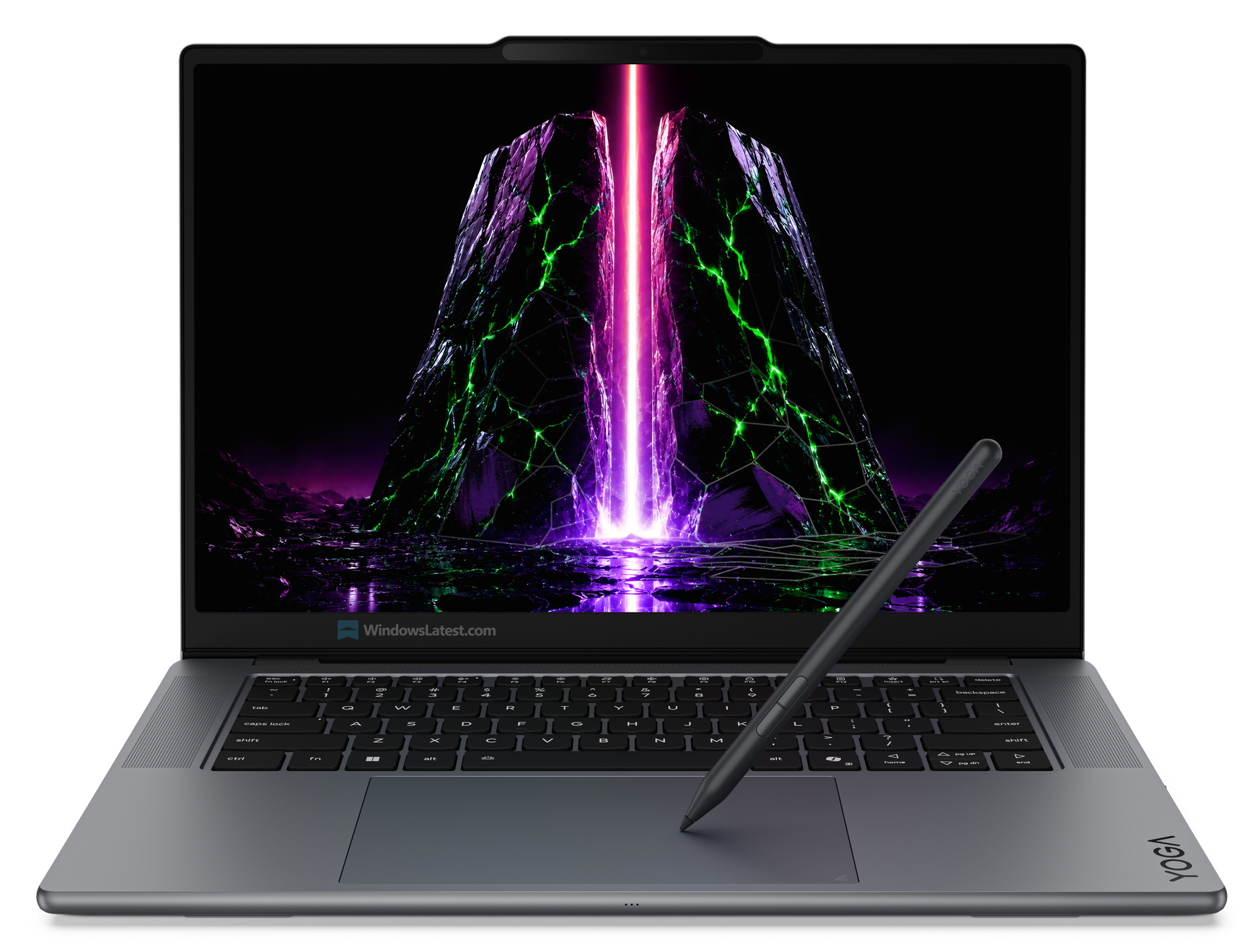
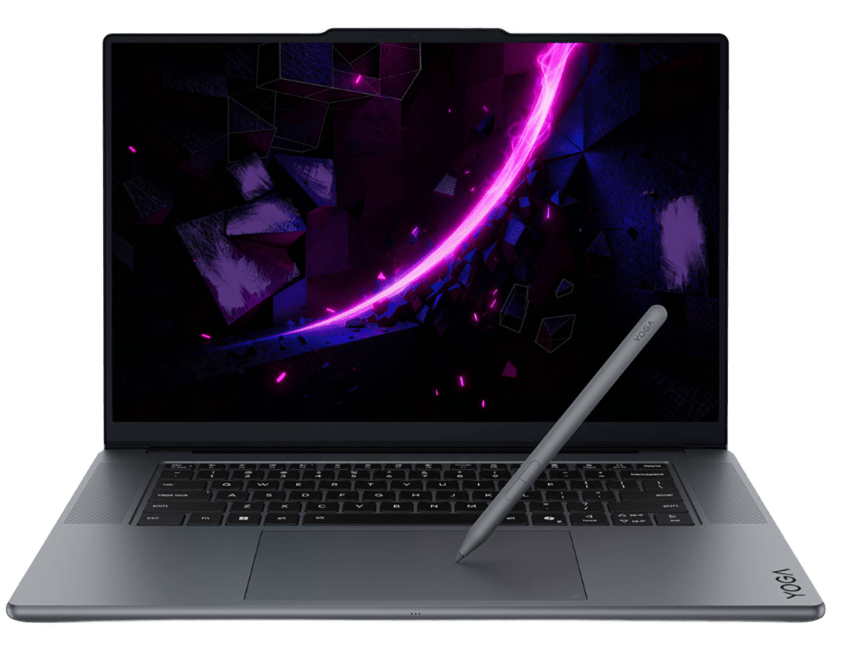
While it’s great news that there are more choices now, it makes your decision a bit harder. But I’m here to help. Before you spend your hard-earned money on an expensive new Windows laptop, run your laptop life through these three questions to figure out exactly which side of the silicon divide you belong on.
Windows laptop market in 2026
The Windows laptop market in mid-2026 has four chip families: Intel and AMD, Qualcomm and NVIDIA
- Beginning with the Arm side of things, Qualcomm’s Snapdragon X2 series is their current flagship lineup, followed by Snapdragon C, which is a budget Arm chip.
- Next up is the tried and tested x86 architecture, where Intel launched Panther Lake (Core Ultra Series 3) at CES 2026, which has since drawn praise for its efficiency and integrated Arc B390 graphics.
- AMD continues with its Ryzen AI 300 series, still competitive in efficiency and strong on multi-threaded workloads.
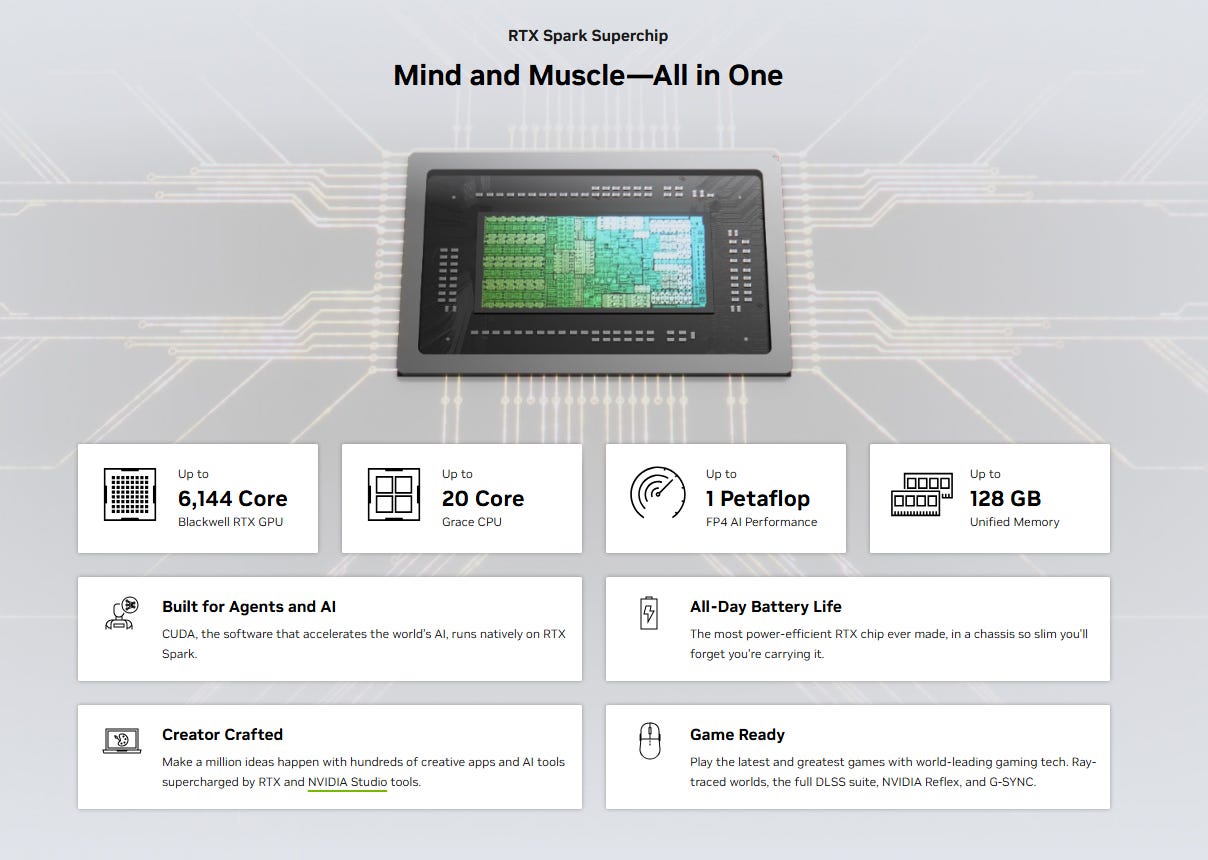
- And finally, the new kid on the block is the RTX Spark that NVIDIA unveiled at Computex 2026 in collaboration with Microsoft and Mediatek. RTX Spark laptops are confirmed for fall 2026 from ASUS, Dell, HP, Lenovo, Microsoft, and MSI.
RAMageddon is here to stay for a while, so how much RAM do you need?
RAM pricing has surged significantly in 2026. DRAM contract prices rose sharply in the first half of the year, and that is showing up directly in laptop configurations. Budget models from multiple OEMs, including some from Microsoft’s own Surface line, have quietly dropped back to 8 GB of RAM to keep sticker prices down.
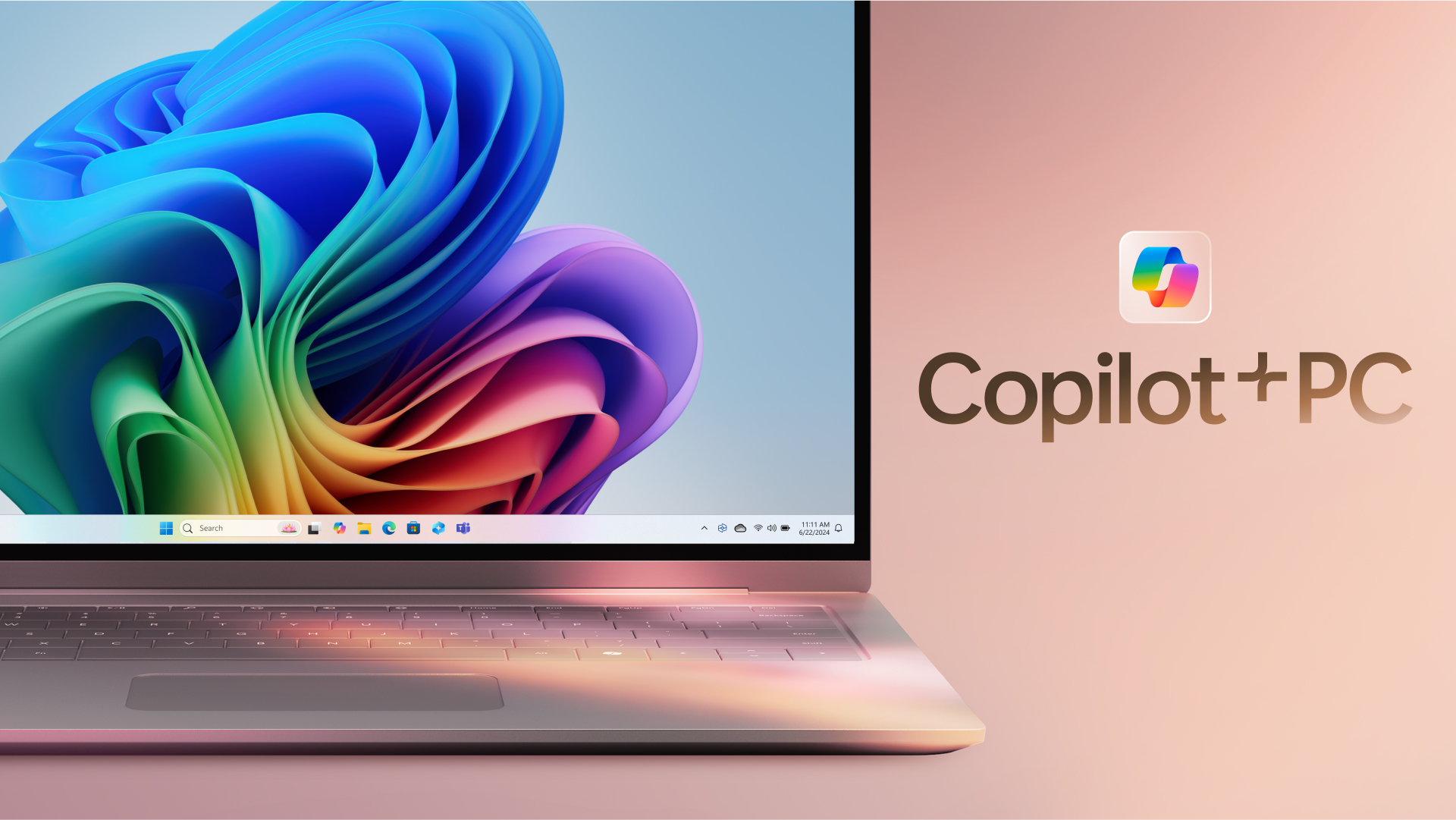
If Copilot+ features such as Windows Recall, on-device Live Captions, or AI image generation are on your list, verify that the configuration you are buying has 16 GB of RAM and a 40+ TOPS NPU. Microsoft has complicated that standard by selling 8 GB Copilot+ devices in 2026, so the badge on the box no longer confirms what features you are getting.
Windows 11 already uses 6 GB of RAM at idle on an 8 GB machine, which leaves very little headroom for anything beyond light productivity. Unless the price differential is substantial, 16 GB is the minimum you should buy in 2026.
Question 1: Are your apps Arm-friendly?
Arm laptops tend to crush in benchmarking apps. I’ve reviewed and used dozens of them, and while there’s no question they deliver excellent performance, it’s only part of the story. Software compatibility can matter more than raw power if it’s going to stop your workflow.
To figure out the best platform for you, look at your app tray.
Arm: The cloud and modern workspace
If 90% of your workday is spent inside a web browser, native productivity suites like Microsoft 365 and communication tools like Teams or Slack, Arm has got you covered.
These applications run natively on Arm architecture. There is no middleman and no performance tax. The silicon handles these workflows quickly and efficiently. For the modern office worker, student, or writer, the experience is flawless.
Also, if you have an idea of the apps that you would be using, then the easiest way to know how well they’ll perform on an Arm laptop is by using a website such as Works on WoA.
The site already shows Arm compatibility for some of the most popular Windows apps on the home page, and you’ll be scrolling for quite a while if you click See All Windows Apps.
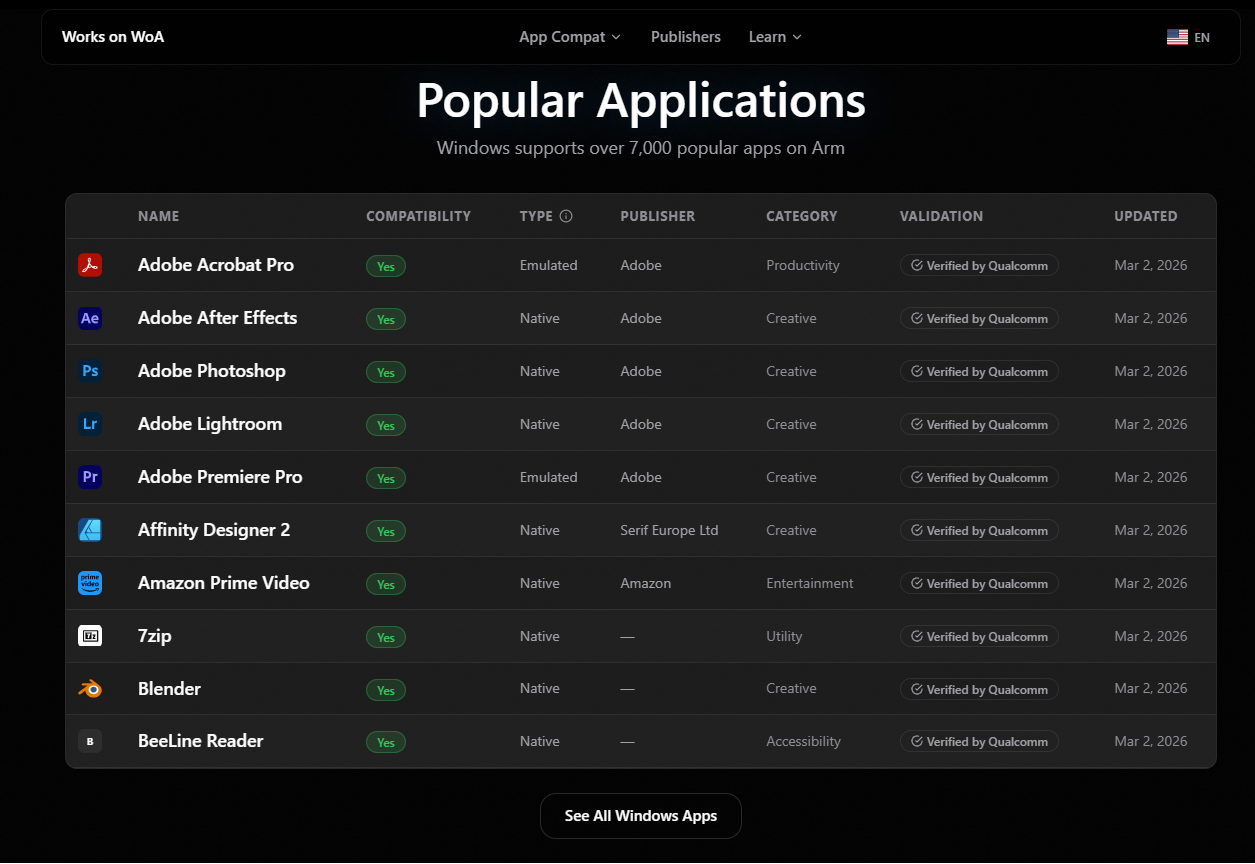
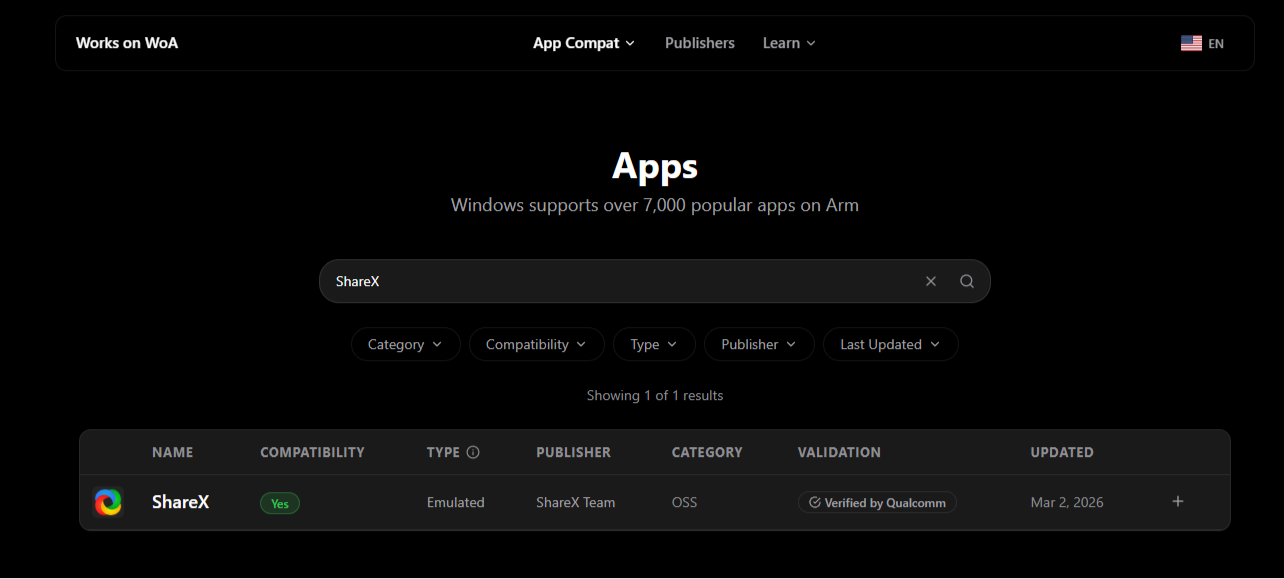
Of course, if you use some niche applications, you can check their compatibility and type (whether emulated or native) on the site itself.
x86: Specialists and legacy needs
If your workflow relies on hyper-specific tools, the conversation changes instantly. Ask yourself if you use:
- Older, locally installed enterprise software (like legacy versions of QuickBooks or custom internal software).
- Proprietary corporate VPNs or specialized IT networking tools.
- Plugin ecosystems for creative software like Adobe or DaVinci Resolve.
If any of these types of software are key to your workflow, stick with Intel or AMD (x86).
Microsoft’s “Prism” emulation translates x86 code on the fly so Arm chips can read it, but it’s not perfect. With some hardware or specialized or legacy software, emulation can still trigger frustrating hiccups or crashes in your work. If you are doing anything high-stakes where time is money, that’s just not acceptable, even if it is an infrequent problem.
Go with Intel or AMD if you need a dedicated GPU
One category that we must call out separately is creators who need GPU-accelerated workflows. Sustained video editing in 4K, 3D rendering in Blender or Cinema 4D, and local AI image generation all depend on GPU compute that integrated graphics cannot sustain for long. On x86, a discrete Nvidia RTX 5060 or AMD RX 9070 in a laptop handles these tasks without compromise.
On Arm, we don’t have access to dedicated GPUs and the integrated ones in Snapdragon X2, while improved from last version, are still not on par with Intel or AMD’s integrated solutions.
However, the picture changes this fall as RTX Spark brings a full Blackwell GPU, CUDA support, and up to 128 GB of unified memory to a laptop chassis, with Adobe rearchitecting Premiere Pro and Photoshop specifically for it. If you are a creative professional buying today, x86 with a discrete GPU is the safe call. If you can wait until fall, RTX Spark is worth watching.
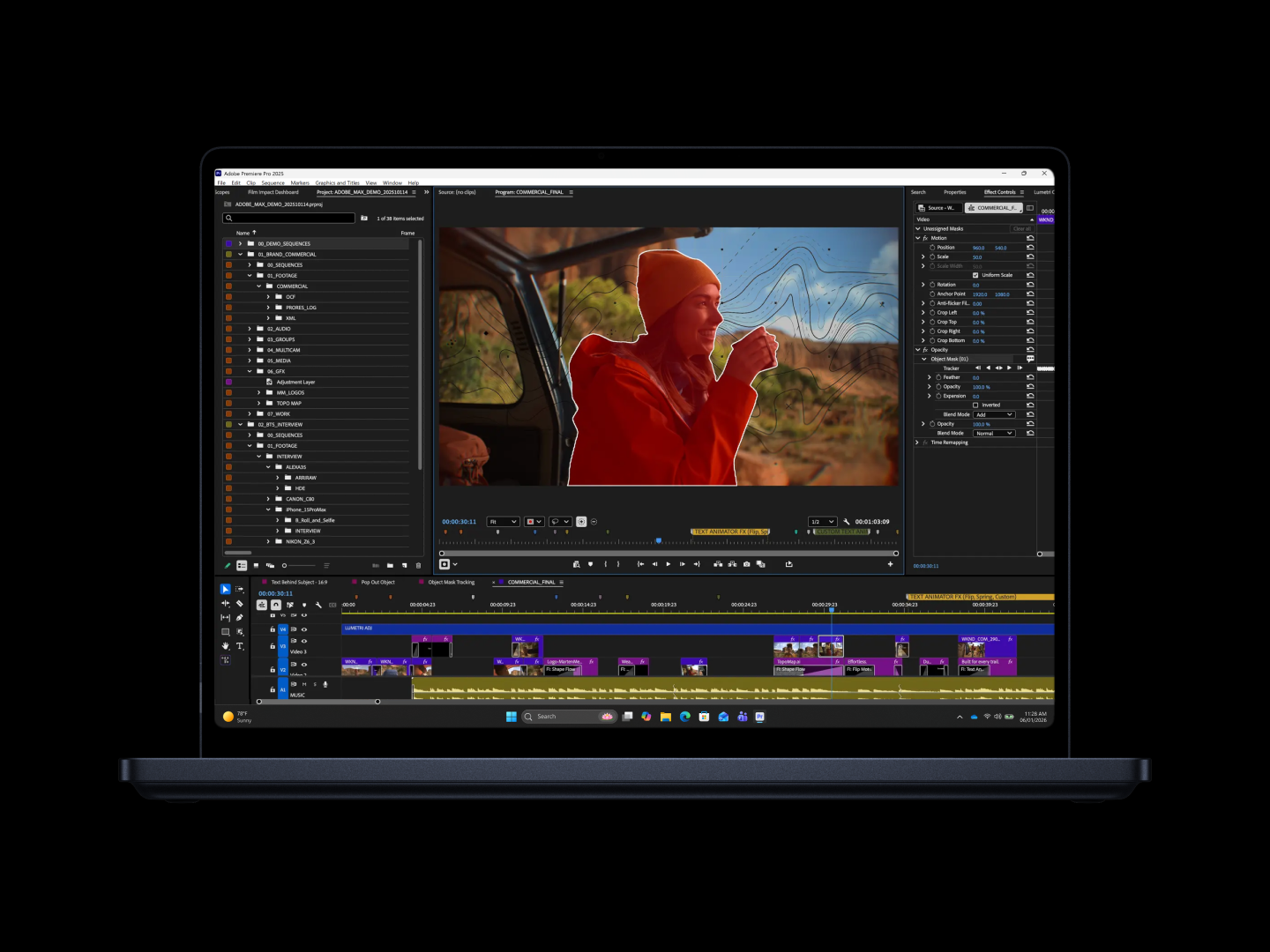
Question 2: How do you want your laptop to behave when it’s unplugged?
Arm laptops originally were lapping their x86 counterparts when it came to battery life. That’s no longer the case. The latest generation of x86 processors from Intel and AMD have effectively closed the gap, turning the battery life race into a battle of single-digit percentages.
Intel’s Panther Lake series, built on the Intel 18A process node, delivers battery life numbers that would have been unthinkable for an x86 chip two years ago, with several Panther Lake laptops reporting more than 20 hours of local video playback in early testing.
With that said, there is still a difference between the two when it comes to battery performance. But rather than how long they last, it is about how the laptop performs when it is running on battery power.
Arm: Consistent performance whether it is plugged in or not
If you want a machine that acts exactly the same way whether it is tethered to a wall or sitting on a tray table at 35,000 feet, Arm is built for you.
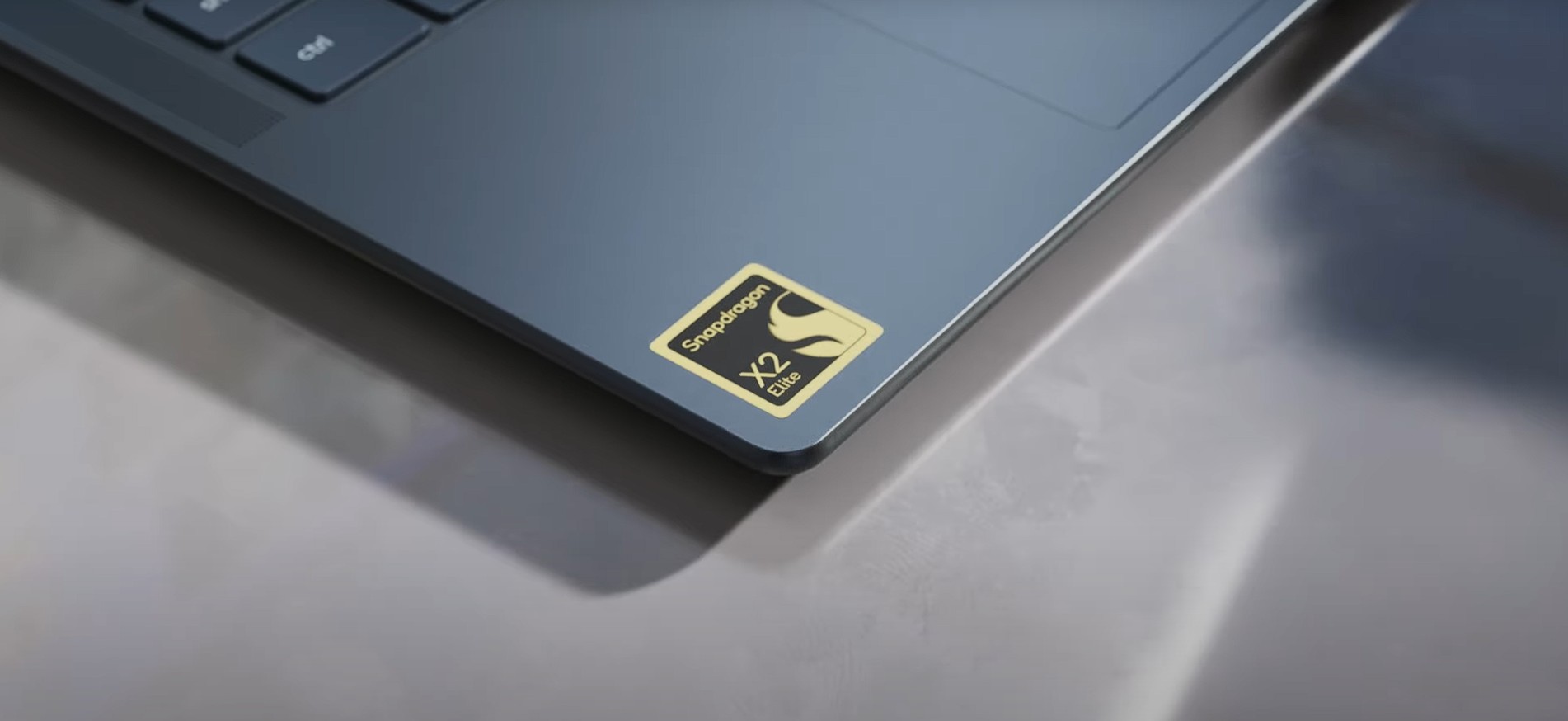
Because Arm architecture scales down to incredibly low power states smoothly, Windows doesn’t need to aggressively throttle the system to save juice. You get the same snappy responsiveness on battery power as you do when plugged into an outlet. This also carries over to minimal Standby drain. Close the lid, and you’ll lose basically no battery life overnight.
x86: Peak power
If you pick up a modern Intel Core Ultra or AMD Ryzen AI laptop, you can still get marathon battery life, but it runs the race a little differently. The x86 architecture achieves it through more aggressive management.
By default, when you unplug a modern x86 laptop, the system dials back its performance to preserve long battery life. It is still entirely capable of heavy lifting, but to get maximum, unthrottled rendering speeds or peak frame rates, you’ll either need to manually switch Windows into “best performance” mode (draining your battery much faster) or find an outlet. It gives you higher overall performance peaks, but you have to actively manage how you use it.
Question 3: Do you play games that use anti-cheat software?
This can be a real dealbreaker. Particularly for more casual gamers, this issue may catch them completely off guard
Arm: Casual gaming and the compatibility cliff
If your idea of laptop gaming is a quick round of Minecraft, smaller indie titles, or mobile ports, an Arm-powered laptop will handle them just fine.
However, if you want to play competitive multiplayer titles, you may quickly find yourself over the compatibility cliff. Games like Valorant, League of Legends, Apex Legends, or Call of Duty rely on kernel-level anti-cheat software. Because these security systems must hook deeply into the operating system’s core architecture, they cannot be emulated by Microsoft’s Prism layer. If you try to launch them on an Arm chip, they simply crash to the desktop.
There is an end in sight to this drought, with Microsoft indicating Riot Games is bringing support to its AAA titles, but it will take time for more to come on board.
Nvidia has confirmed EasyAntiCheat and BattlEye support natively on RTX Spark, and Riot Games has confirmed Valorant and League of Legends are coming to the platform. We covered the full RTX Spark app and game compatibility picture when it was announced. If competitive gaming is your dealbreaker on Arm, RTX Spark this fall is the first Arm option worth waiting for.
x86: Universal compatibility
If gaming represents any meaningful percentage of what you intend to do with your new laptop, buy an Intel or AMD machine.
Even the integrated graphics on modern x86 chips are incredibly robust, easily delivering playable frame rates at 1080p in major AAA titles. More importantly, every single game launcher, anti-cheat engine, and legacy mod framework works natively, without requiring any software workarounds. Dialing in your games to perfection can already take time; there is no reason to throw more roadblocks in your way.
How much should you spend on a Windows 11 laptop?
Budget has become more complicated in 2026 than it has been. Rising RAM prices have pushed OEMs to make cuts elsewhere to stay competitive with Apple’s MacBook Neo, which Microsoft has been publicly fighting against. Here is what your money gets you now.
Under $600: Snapdragon C and Intel Wildcat Lake (Core Series 3) will soon be available in this bracket. You get Windows 11, all-day battery life, and enough power for web browsing, document work, and video calls. No Copilot+ features or discrete GPU here. And 8 GB of RAM is common at this tier. Fine for students and light users, and I wouldn’t recommend it for anyone doing more.
$600 to $999: The most useful range for most people. Intel Wildcat Lake configurations with 16 GB of RAM may start appearing here, along with more powerful Intel and AMD silicon. You begin to see better displays and build quality. Snapdragon X2 Plus is at the higher end of this range.
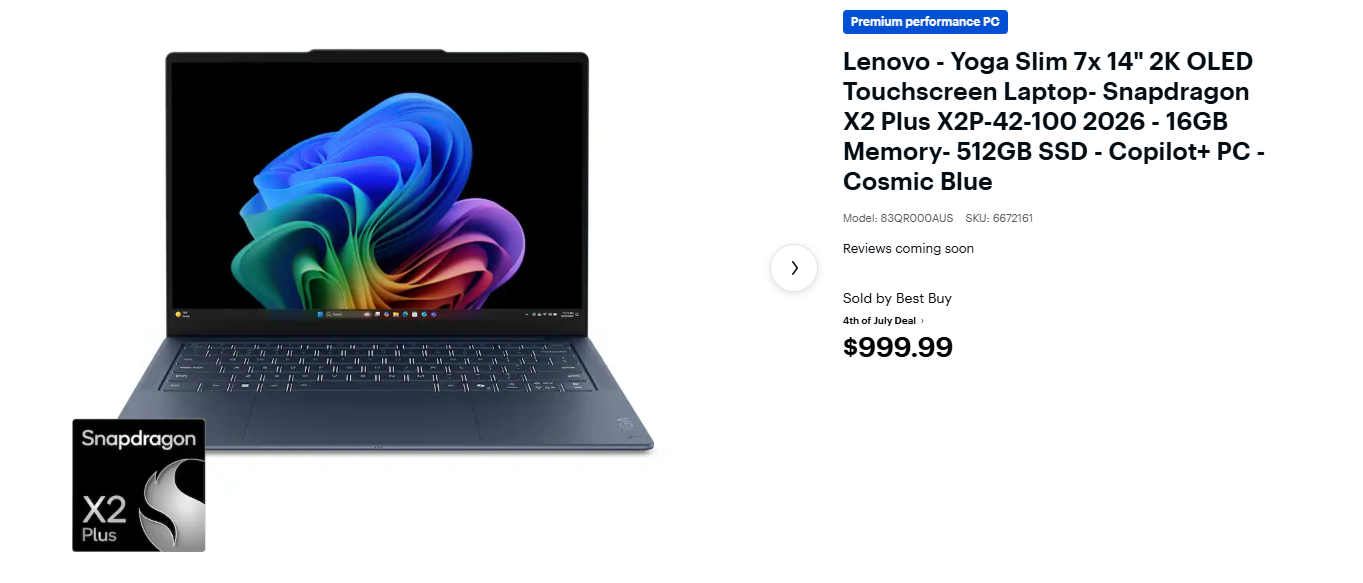
$999 to $1,499: Snapdragon X2 Elite, Intel Panther Lake with Arc B390 integrated graphics, and AMD Ryzen AI 300 all compete here. Panther Lake’s Arc B390 is a crowd-favorite as it delivers discrete-class integrated graphics capable of light video editing and casual 1080p gaming without a separate GPU. Copilot+ features are standard across this tier.
$1,099 to $1,499: x86 laptops with a discrete Nvidia RTX 5060 or AMD RX 7600M start from here. The right pick for video editors, 3D artists, and gamers who need sustained GPU performance rather than peak integrated graphics.
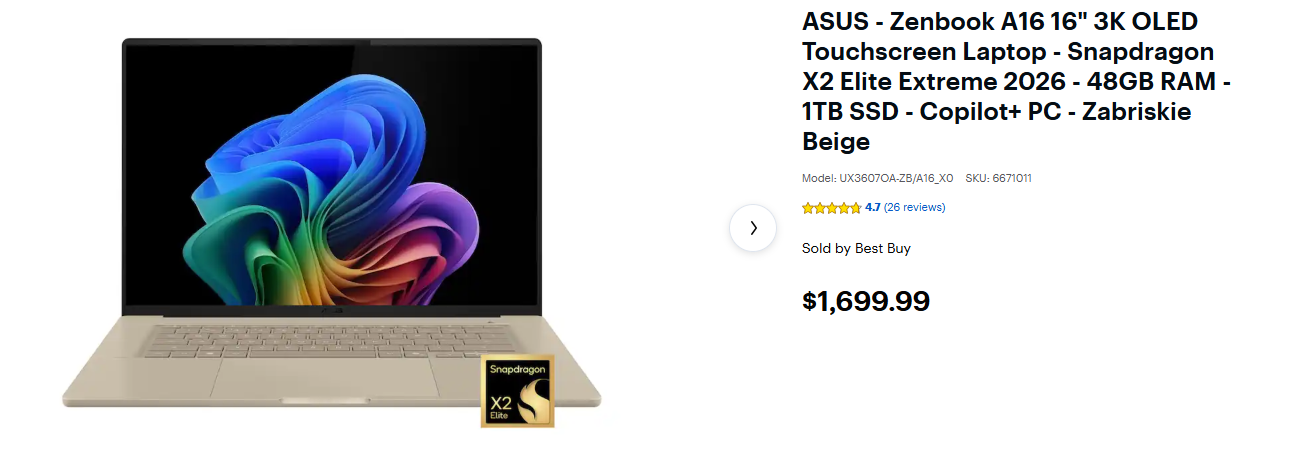
$1,500 and above: Snapdragon X2 Elite Extreme, Intel Panther Lake HX with discrete RTX 5070 and above, and AMD Strix Halo configurations rule here. RTX Spark laptops will also arrive in this range this fall, starting around $1,799
Note: Prices fluctuate and the numbers mentioned here are not strict rules, but a basic guidance on what you can expect at a price point.
Who should choose an Arm-based laptop in 2026?
The Snapdragon X2 Elite Extreme currently leads Panther Lake in multi-core benchmarks by a meaningful margin, and both platforms have closed in on Apple’s battery life numbers. Raw performance is no longer a useful tiebreaker.
Choose an Arm laptop if you are a writer, student, traveler, or everyday professional who lives in a web browser, values silence, and wants a battery that lasts for days.
Choose an x86 laptop if you are a gamer, a developer, a creator tied to specific legacy plugins, or an IT professional who needs absolute certainty that every piece of software will launch on day one.
The post Before you buy a new Windows laptop, you need to answer these 3 questions appeared first on Windows Latest